
Release 4.30
🔍Learn What's New:
Beta version of Report Builder -Create and Export Reports ENHANCEMENT
BACK OFFICEPORTFOLIO MANAGER
Users can now build branded, data-driven reports directly inside the platform. The Report Builder lets you compose slide-by-slide presentations using live positions and transactions data, then export them as PDF.
What's New
Widget Library – Add pie charts, bar charts, data tables, manual tables, text blocks, and image blocks freely on each slide canvas
Live Portfolio Data – Connect charts and tables directly to Portfolio Positions or Transactions — data renders in real time as you configure each widget
Column Search & Selection – Search available fields by column name and pick exactly the columns you need for tables and charts
Data Editing on Widgets – Edit values, remove rows or columns directly on rendered charts and tables to fine-tune output before export
Headers & Footers – Set global header/footer content (logo, report name, dates, page numbers) and override them per page — including hiding them on a title slide
Widget Fit Validation – Visual warnings when a widget overflows its allocated space on the slide, with options to split, filter, or trim
Data Availability Errors – Clear, actionable error messages when a data source returns no results or is unavailable — no blank or broken widgets
PDF Preview & Export – Full page-by-page preview before export; one-click PDF generation with options for page numbers, generation date, and quality
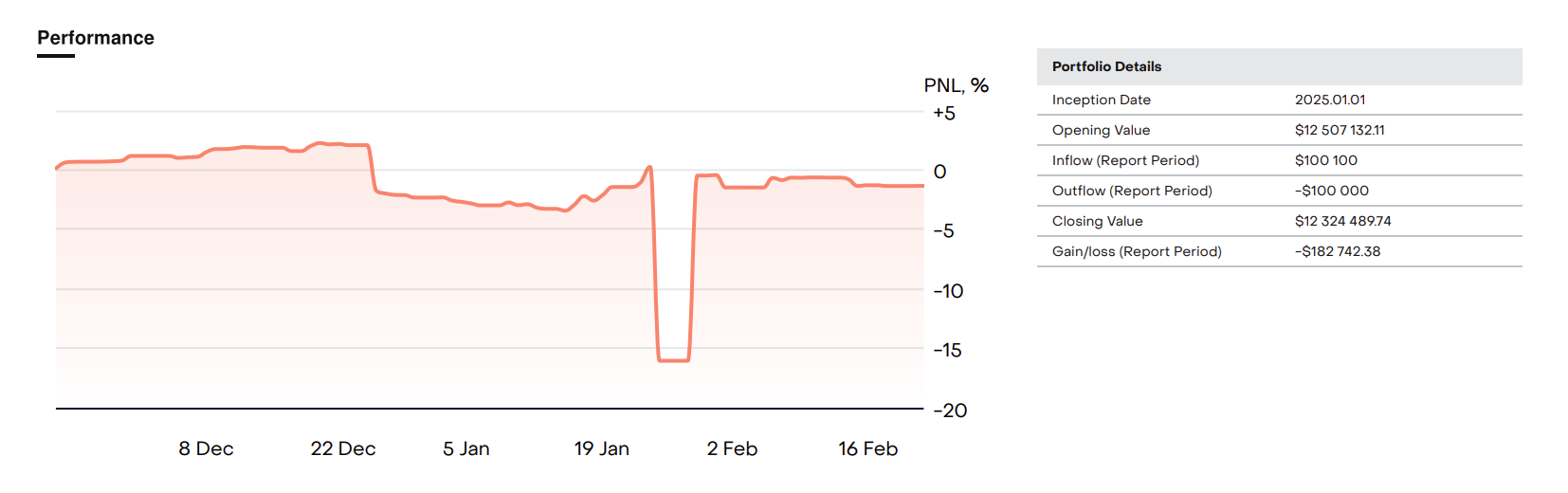
Read Chart Values at a Glance - Y-Axis Labels AddedENHANCEMENT
ALL USERS
Performance chart in the Asset Performance section now display Y-axis scale labels, making it easier to read actual values and understand the magnitude of changes over time. Labels use the portfolio currency symbol, auto-scale to the data range, and align with chart gridlines.
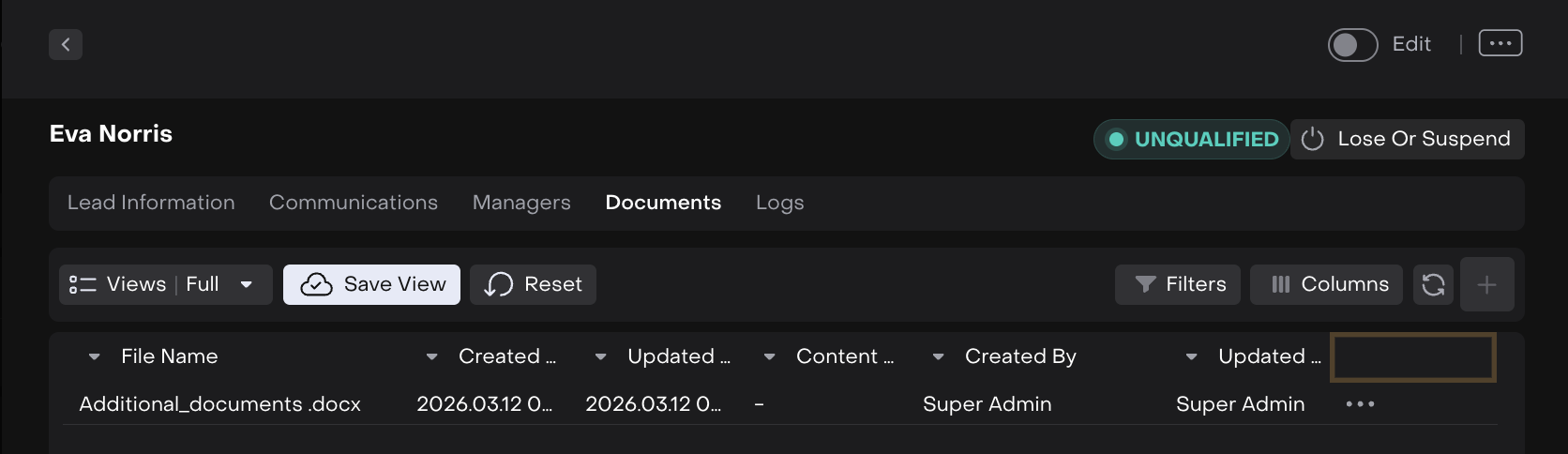
DOCX File Format Now Supported for Account and Lead Attachments ENHANCMENT AUTHORIZED USERS
Users can now upload .docx files as attachments on Accounts and Leads. Previously, Word documents were rejected as an invalid file format. The .docx format has been added to the list of accepted file types alongside JPG, PDF, XLSX, and others.
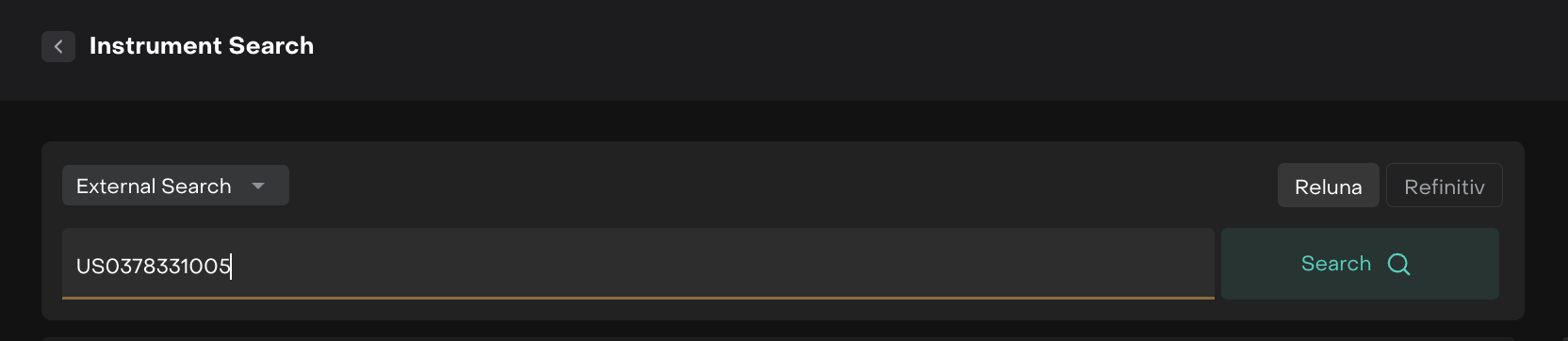
Clean & concise Instrument Selection Preserved When Switching Between Internal and External Search FIXES
BACK OFFICE TRADER
Previously, switching the search type between Internal and External in transactions or orders would cause the selected instrument to disappear from the search bar. This has been resolved - the instrument now persists across search mode changes.
Enhanced Custodian Integrations for Bank Data and DMA Trading ENHANCMENT AUTHORIZED USERS
New custodian integrations have been added, enabling the platform to receive bank data and execute Direct Market Access (DMA) trading directly through connected custodians.
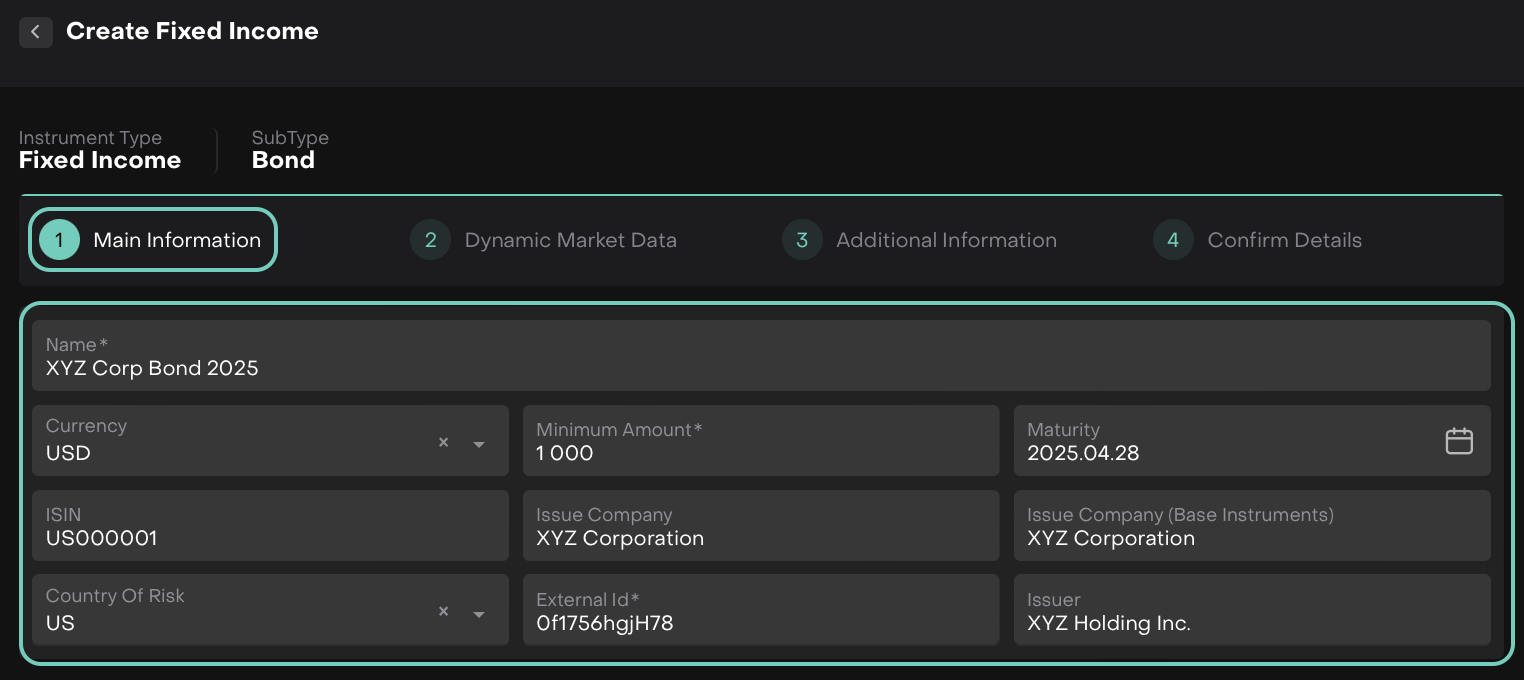
Private Instruments: Space Character Bypasses Required Field Validation FIXES
AUTHORIZED USERS
When creating a private instrument, pressing the space bar in a required field (e.g. External Id) was accepted as a valid entry. Required fields now reject whitespace-only input and correctly prompt the user to fill in the field.
Exported Excel File Name Now Reflects the Selected Date Range FIXES
ALL USERS
Previously, the name of the exported Excel file did not accurately reflect the chosen filter period. This has been resolved — the exported file name now correctly includes the selected date range, consistent with the existing behavior on the Positions tab.
Extended Mapping for DMA integration FIXES
AUTHORIZED USERS
New additional code is now mapped to LSE exchange in DMA integration, improving instrument routing coverage for London Stock Exchange venues.

Other minor bugs and fixes have also been resolved to ensure a smoother experience
This release highlights the key updates and features in Reluna v4.30. For more details, check the platform or Contact Support. We hope you enjoy the new features!
