Client Bank Accounts
Introduction
The Bank Accounts tab on the platform is where you can view and manage all bank accounts linked to your client, company or entity accounts. This tab gives you a centralized view of each account’s key details, such as IBAN, currency, type, status, custodian and more, allowing you to monitor and manage your banking relationships efficiently.
Key Terminologies
Term (A–Z) | Definition |
|---|---|
IBAN | International Bank Account Number, a unique identifier for your bank account. |
IBAN Ccy | The currency in which the bank account operates. |
IBAN Type | Indicates whether the IBAN is for a Virtual or Bank account. |
Custodian | The financial institution or custodian managing the bank account. |
Status | Current operational status of the bank account (e.g., Active, Deactivated). |
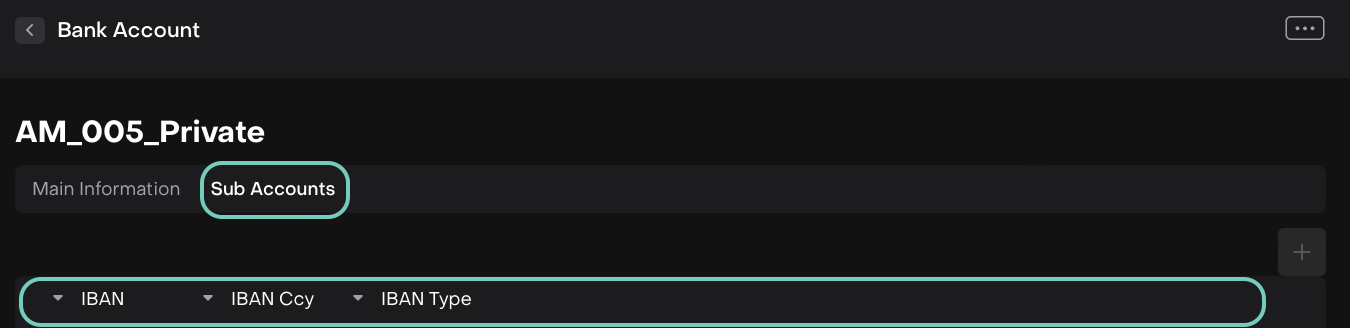
Sub Accounts | Additional accounts linked under a primary bank account, if any. |
Target Usages | The permitted purposes or functions of the bank account. |
Retail | Indicates whether the account is a retail client account. |
Multi-CCY | Shows if the account supports multiple currencies. |
👉 New to some terms? Check out our full Platform Glossary for more.
Bank Accounts Tab Overview
The Bank Accounts tab provides a detailed table of all bank accounts associated with your accounts. Here, you can:
View account details at a glance.
Filter and sort accounts by custodian, status or type.
Access and manage each bank account by clicking on its row.
View Bank Accounts on Client Portal
Navigate to Accounts > Bank Accounts.
The table will display all bank accounts created under your accounts.
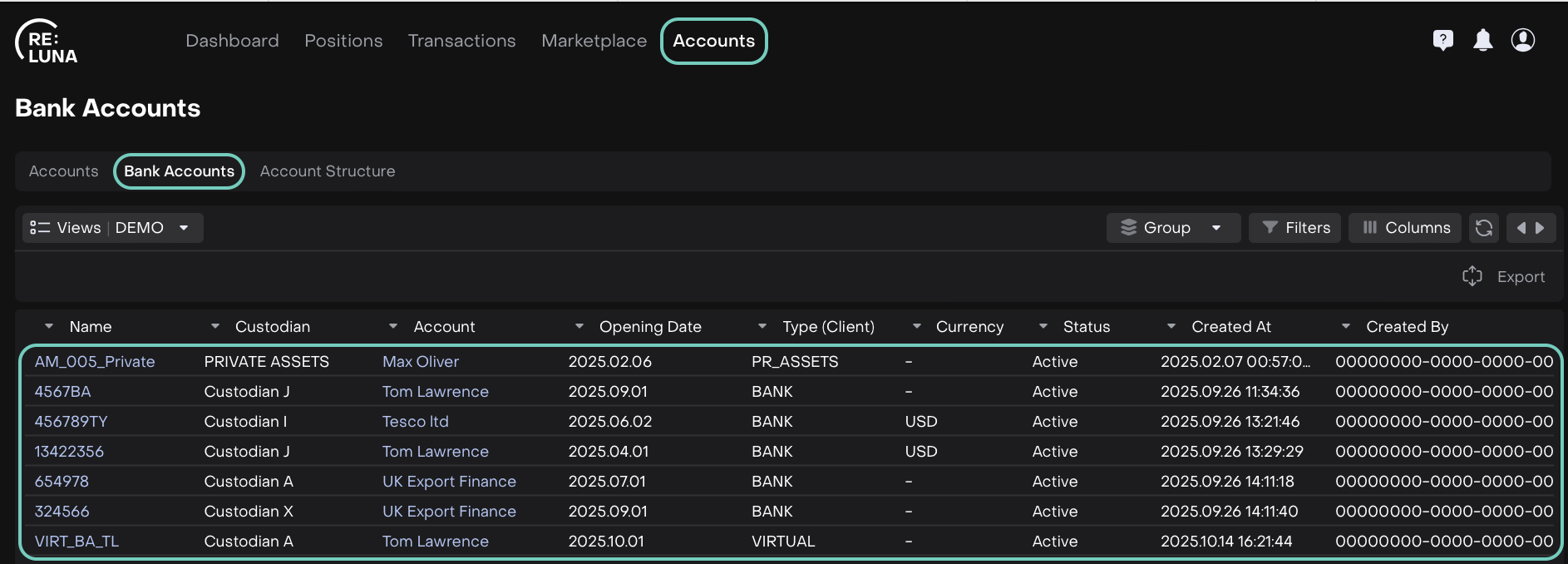
🔗 Learn on how to use table filters and sorting options here.
Manage Bank Accounts
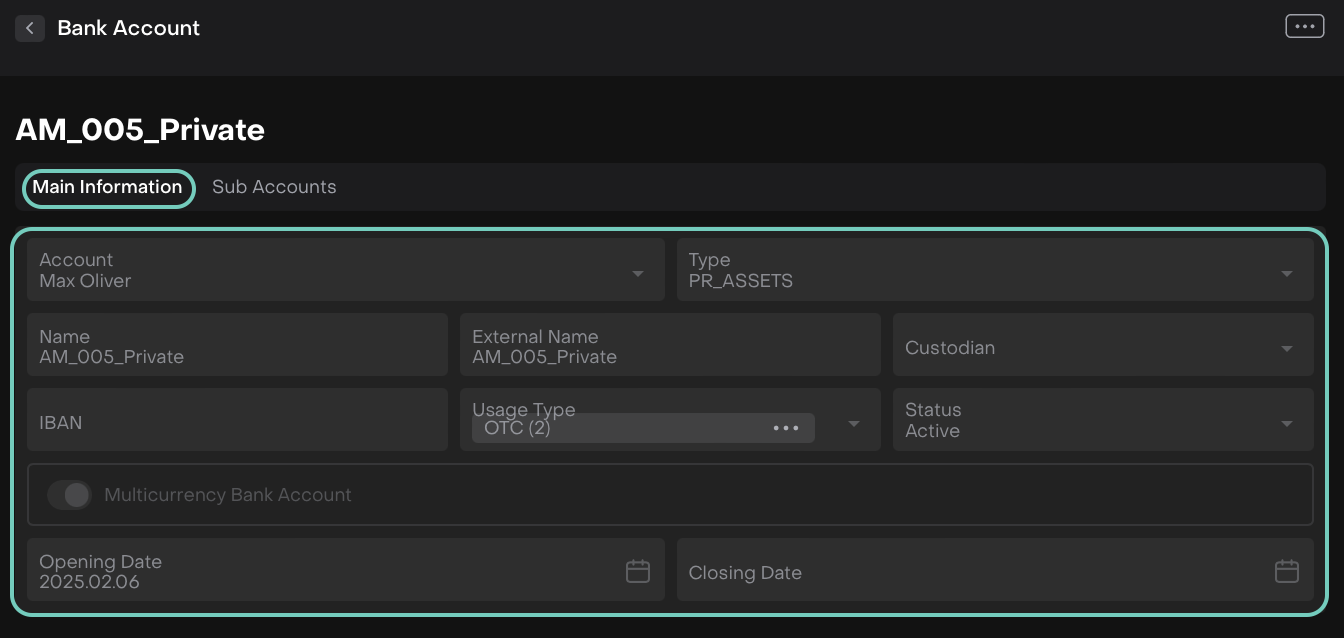
When you click on a bank account row, you can access two main sub-tabs:
Main Information
Here you’ll find all core details of the bank account.
Sub Accounts
This section shows any accounts linked under the main bank account. You can:
View the list of sub accounts and their details.
Track IBANs and currencies associated with each sub account.
Monitor which sub accounts are active or deactivated.