
Configure Fees
Where to Configure
Go to Mandates, for fees configured at the portfolio level.
How to Create Fees on Mandates
You can create fees directly from a specific Mandate within the Accounts module. This method is useful when fees need to be generated based on a portfolio’s mandate configuration.
Steps:
Navigate to Accounts > Mandates tab and select the mandate you want to update.
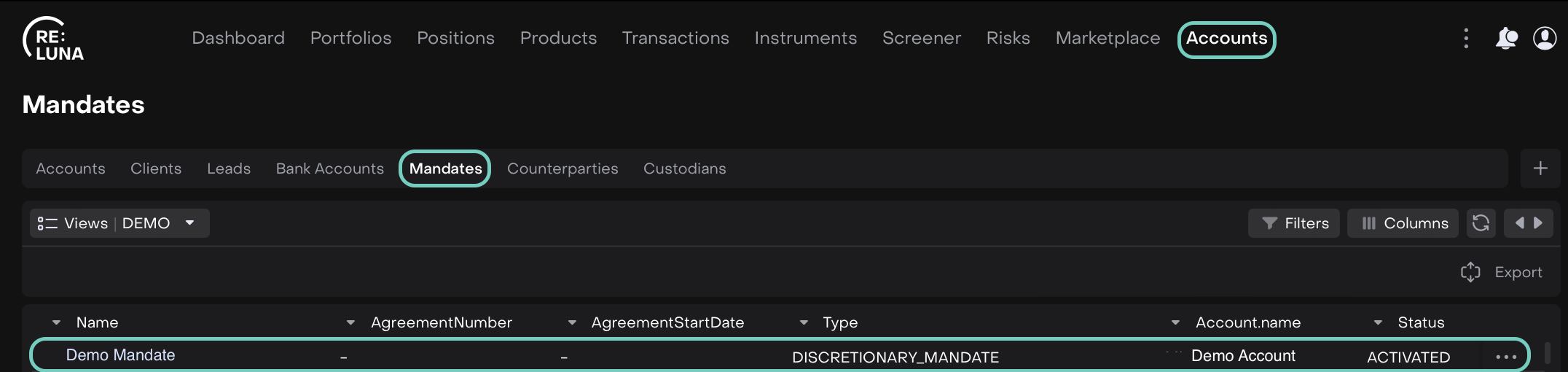
Toggle Edit mode on, find the Fees tab and click on + Add button.
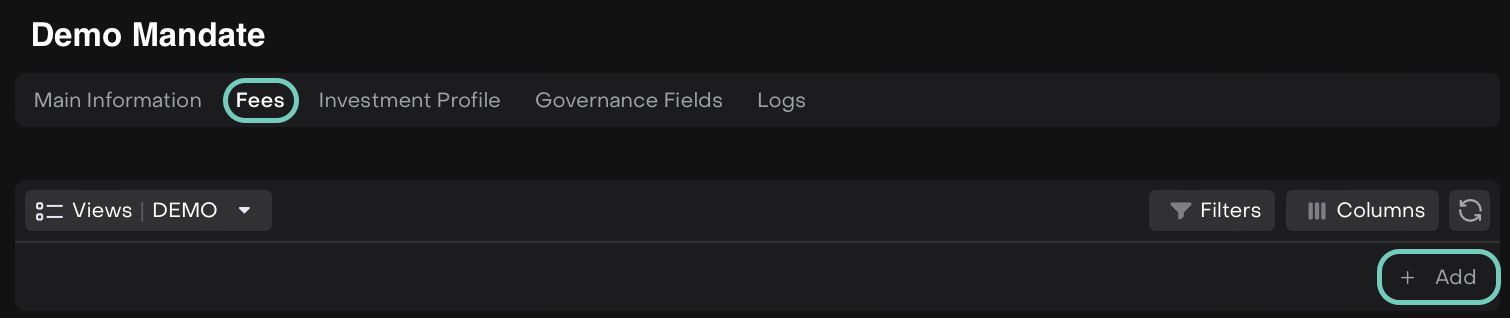
Fill in all required fields (*) in the fee creation form.

Field | Description |
|---|---|
Type(*) | Select the type of Mandate fees to calculate. Options are:
|
Ccy(*) | The currency in which the fee will be charged (e.g., USD, EUR, etc.). Special Rule for Brokerage Fees:
|
Rate, % (*) | The annual fee rate to be applied for the selected fee type. |
Min Amount (Toggle) | Enabling this option displays the Min Amount field. |
Min Amount | The minimum fee amount that will be charged, even if the calculated fee is lower. |
Frequency(*) | How often the fee is charged. Options are:
|

Click Save to create the fee or click Cancel to discard and return.
Once saved, the new fee entry will appear in the list.
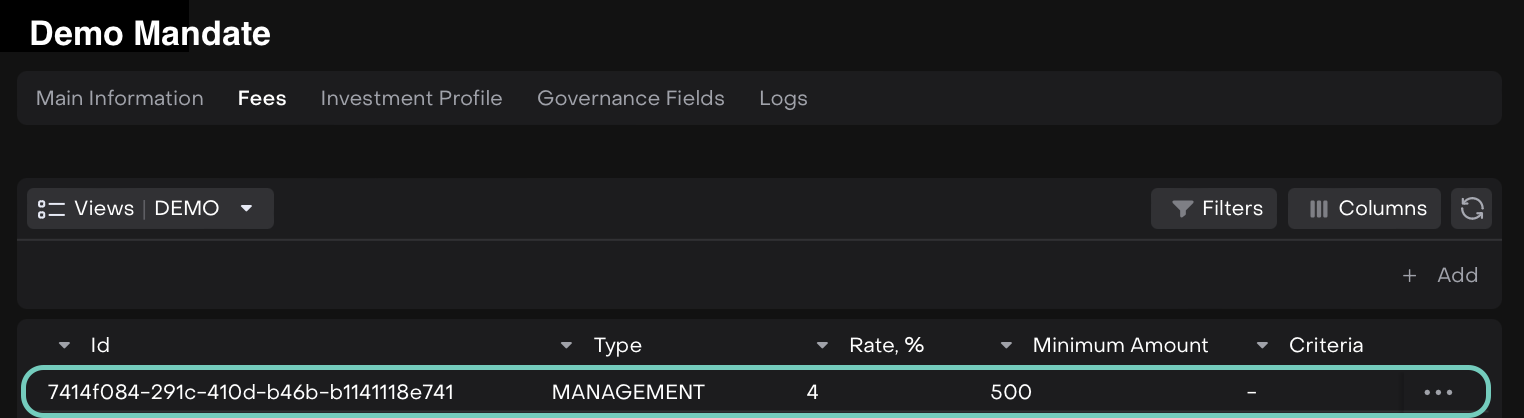

Click on three-dots (…) menu to Edit/Delete the entry.