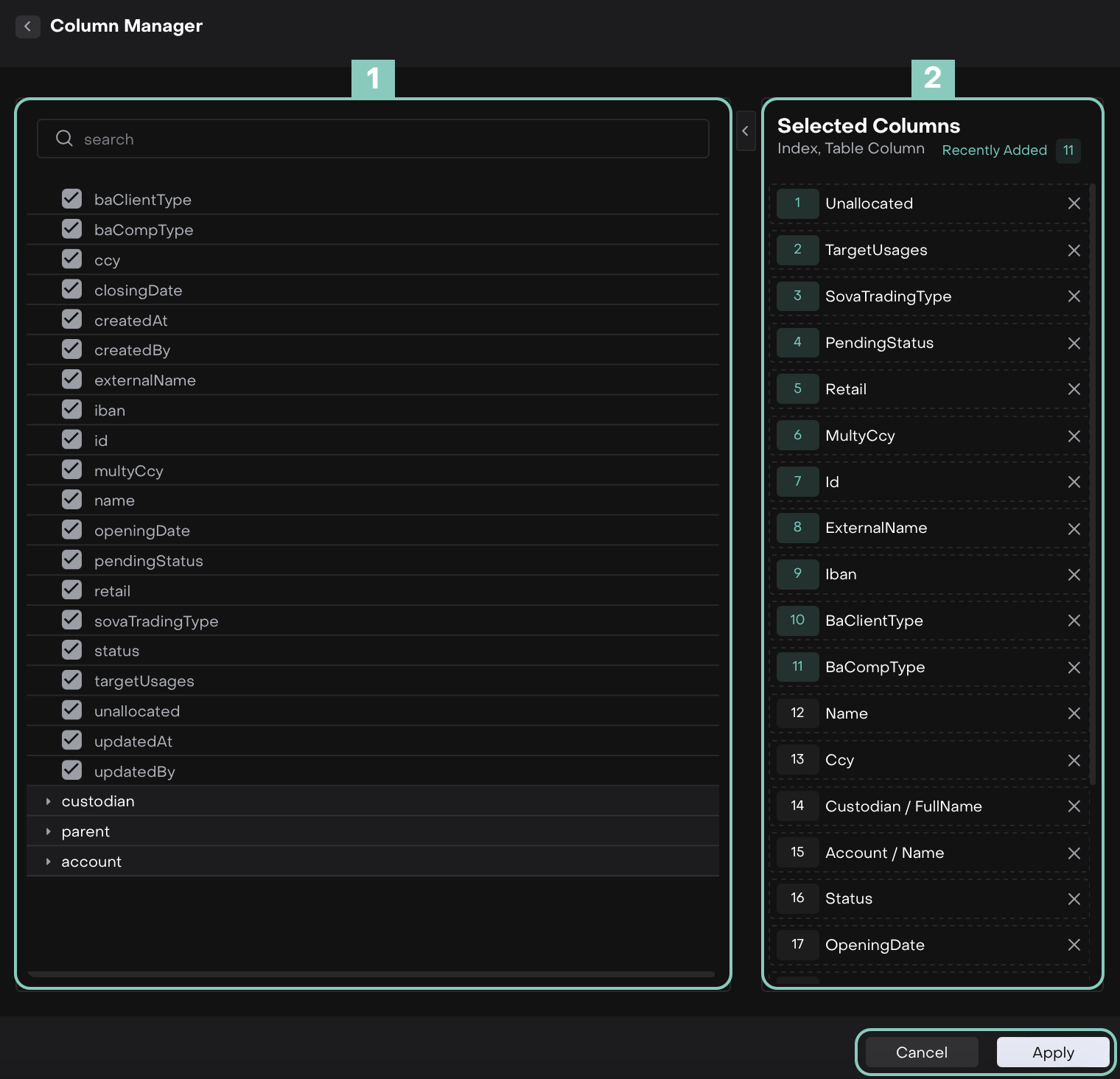
Column Name (A–Z) | Definition | How It’s Used on the Platform |
|---|
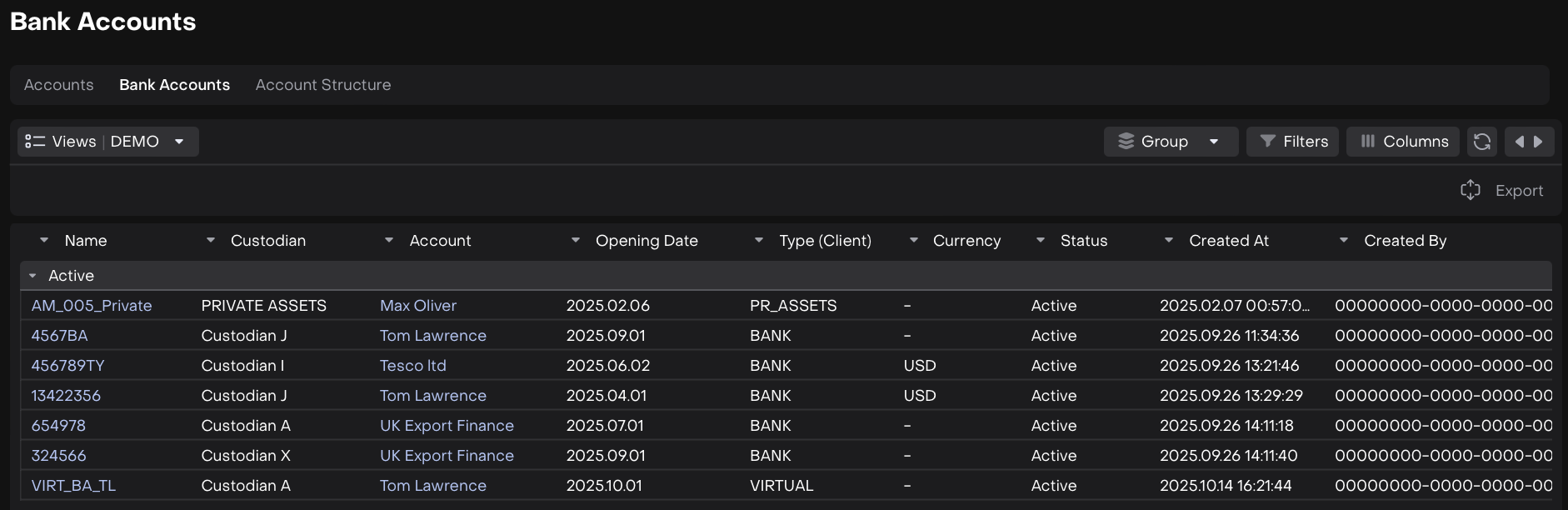
ACCOUNT | Displays the related account name or code linked to the bank account. | Helps identify which client or entity account the bank account belongs to. |
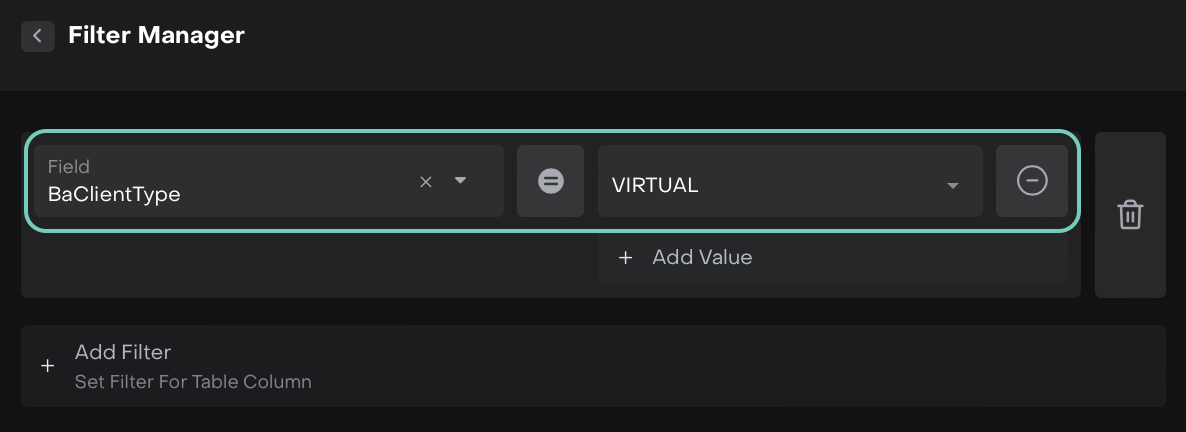
BACLIENTTYPE | Defines the client type associated with the bank account. Options are: BANK CARD PR_ASSETS VIRTUAL VIRTUAL_TTCA
| Used to classify bank accounts based on client category. |
BACOMPTYPE | Refers to the company account type. Options are: | Indicates whether the bank account is real (BANK) or virtual (VIRTUAL). |
CLOSING DATE | The date when the bank account was closed or deactivated. | Helps track inactive or closed accounts for reporting and audit purposes. |
CREATED AT | The date and time when the bank account was created on the platform. | Useful for monitoring account creation timelines. |
CREATED BY | The user ID of the person who created the account entry. | Displays who created the bank account record. |
CURRENCY | The currency in which the bank account operates (e.g., USD, EUR). | Used to determine transaction and reporting currency for the account. |
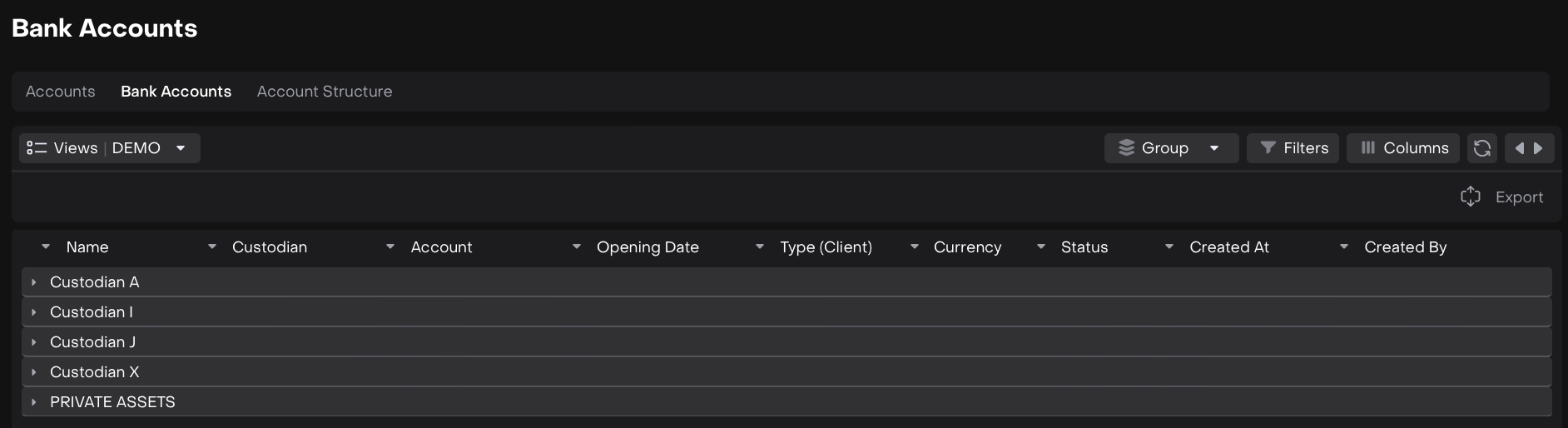
CUSTODIAN | The financial institution or custodian holding the account. | Links the account to its managing bank or custodian institution. |
EXTERNALNAME | The external or display name for the bank account. | Shown as the recognizable name across modules and reports. |
IBAN | The International Bank Account Number of the account. | Used for banking operations, validations, and cross-border transactions. |
ID | A unique identifier (UUID) assigned to each bank account. | Serves as a system reference for linking and tracking records. |
MULTYCCY | Indicates whether the bank account supports multiple currencies. | Helps identify multi-currency accounts for flexible asset management. |
NAME | The primary name of the bank account. | Displayed as the main reference name in the Bank Accounts tab. |
OPENING DATE | The date when the bank account was opened. | Used for tracking account lifecycle and operational history. |
PENDINGSTATUS | The current pending or processing status of the bank account setup. Options are: | Shows if the account setup or updates are awaiting confirmation. |
RETAIL | Indicates if the account is a retail account type (true/false). | Helps differentiate between retail and institutional accounts. |
SOVATRADINGTYPE | Refers to the Sovereign or trading classification of the bank account. | Used for identifying specific trading or regulatory classifications. |
STATUS | Displays the current operational status. Options are: Active Closed Deactivated Non_active
| Indicates whether the bank account is active and usable for transactions. |
TARGETUSAGES | Defines the intended usage or purpose of the bank account (e.g., settlement, custody). | Used to assign specific functions or restrictions to each account. |
UNALLOCATED | Indicates if the funds or transactions in the account are unallocated. | Helps identify unassigned balances for reconciliation or review. |
UPDATED AT | The date and time when the account details were last updated. | Tracks the latest modification timestamp. |
UPDATED BY | The user ID of the person who last modified the account. | Displays who made the most recent update. |
ACCOUNT.ACCOUNTCOMPANIES.ALLOWEDTRANSACTIONTYPES | Lists the permitted transaction types for the account. | Defines what kinds of transactions can be executed through this account. |