
Income Projection Widget
AVAILABLE IN: 

Introduction
The Income Projection widget helps you track both upcoming and historical income for instruments held in your portfolio, including bonds, treasury bills, swaps, notes and other coupon- or dividend-bearing securities.
Where to Find It
You can access income projection details in the following ways:
Via Dashboard: It displays aggregated information for all portfolios available to you, providing a consolidated view at a glance.
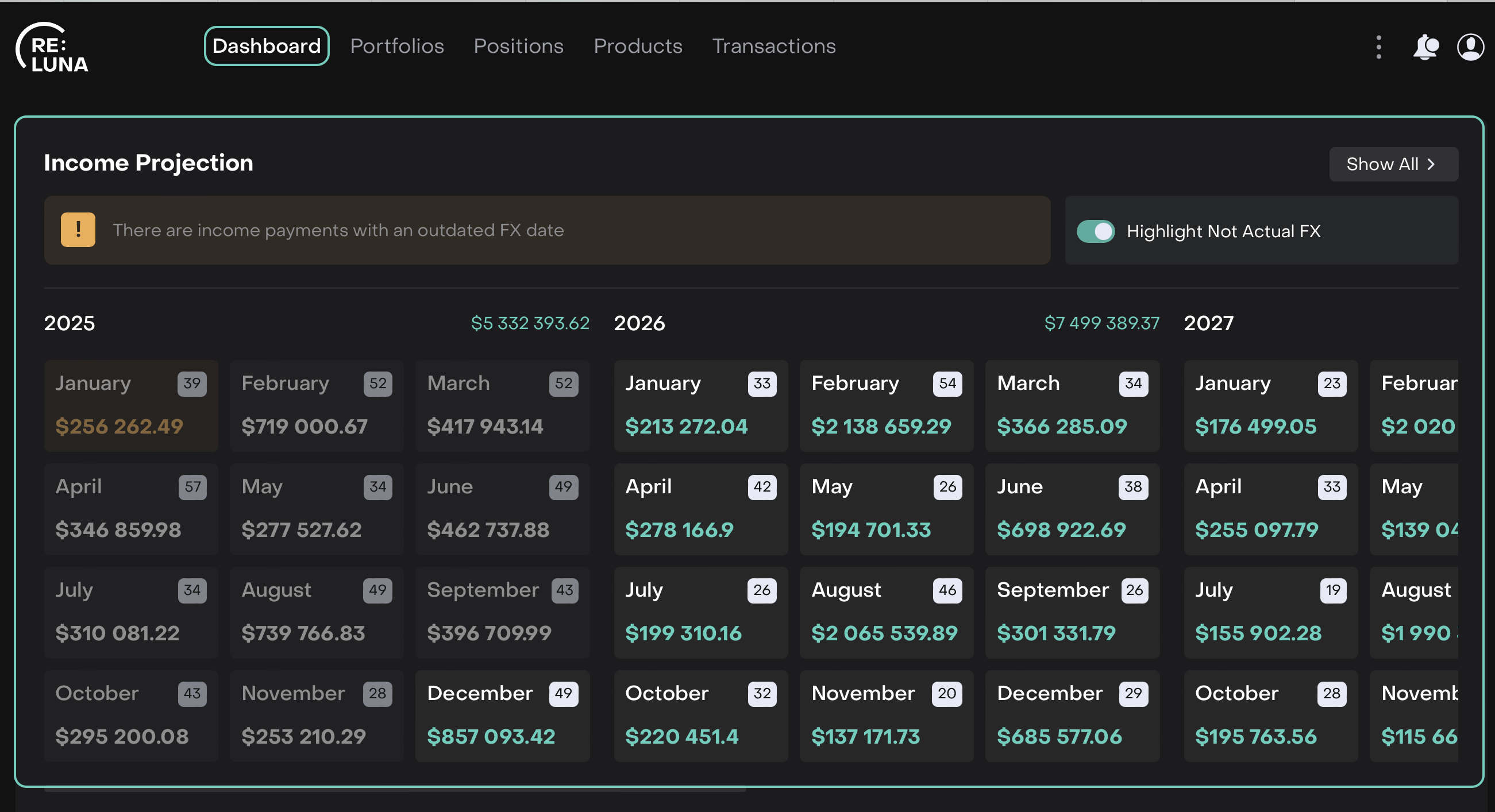
Or,
Via Portfolios: Go to Portfolios, select your desired portfolio and go to Profile tab.
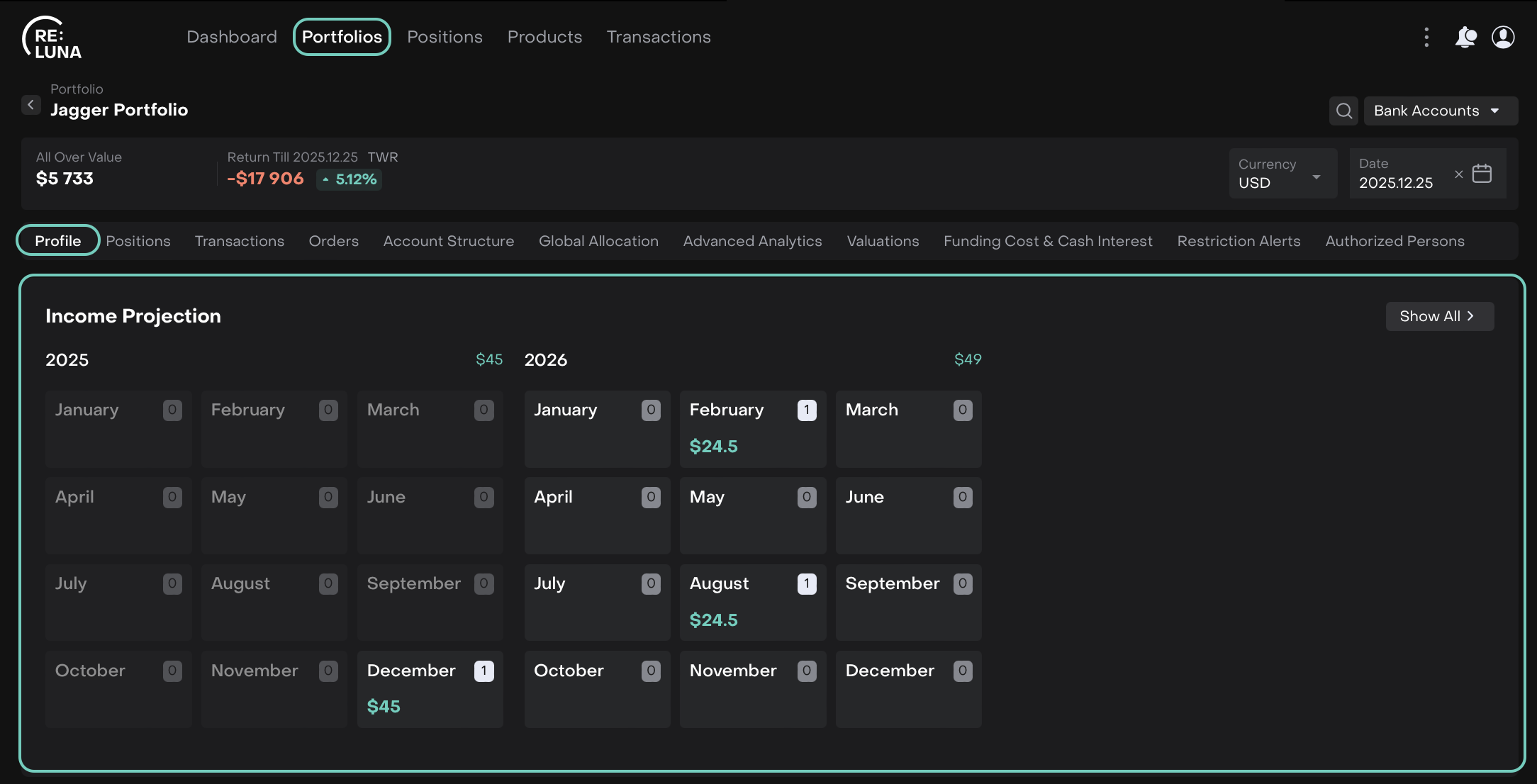
Click Show All to view the detailed calendar and list views.
Or,
Click on a specific month to open the calendar or list view directly.
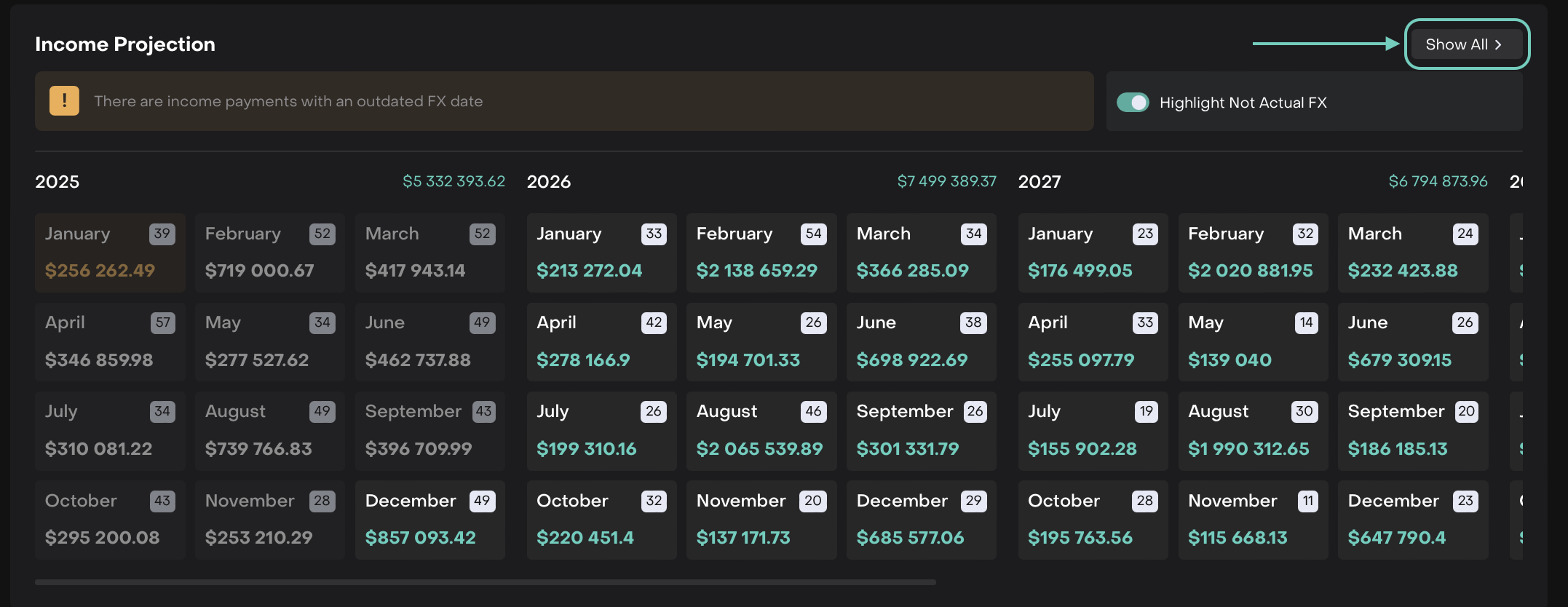
What the Widget Shows
The widget combines both coupon and dividend income for a unified view.
Field | Description |
|---|---|
Instrument | The name or identifier of the security paying coupons. |
Payment Date | The scheduled date on which the coupon is due. |
Coupon Rate | The fixed or floating percentage rate used to calculate the Income Projection. |
Coupon Amount | The monetary value of the coupon to be paid, calculated as per the holding quantity and coupon rate. |
Status | Indicates whether the coupon is Upcoming, Paid or Overdue. |
Currency | The currency in which the coupon will be paid. |
Highlight Not Actual FX (Toggle) |
|
Display Modes
You can toggle between two display modes in the detailed view:
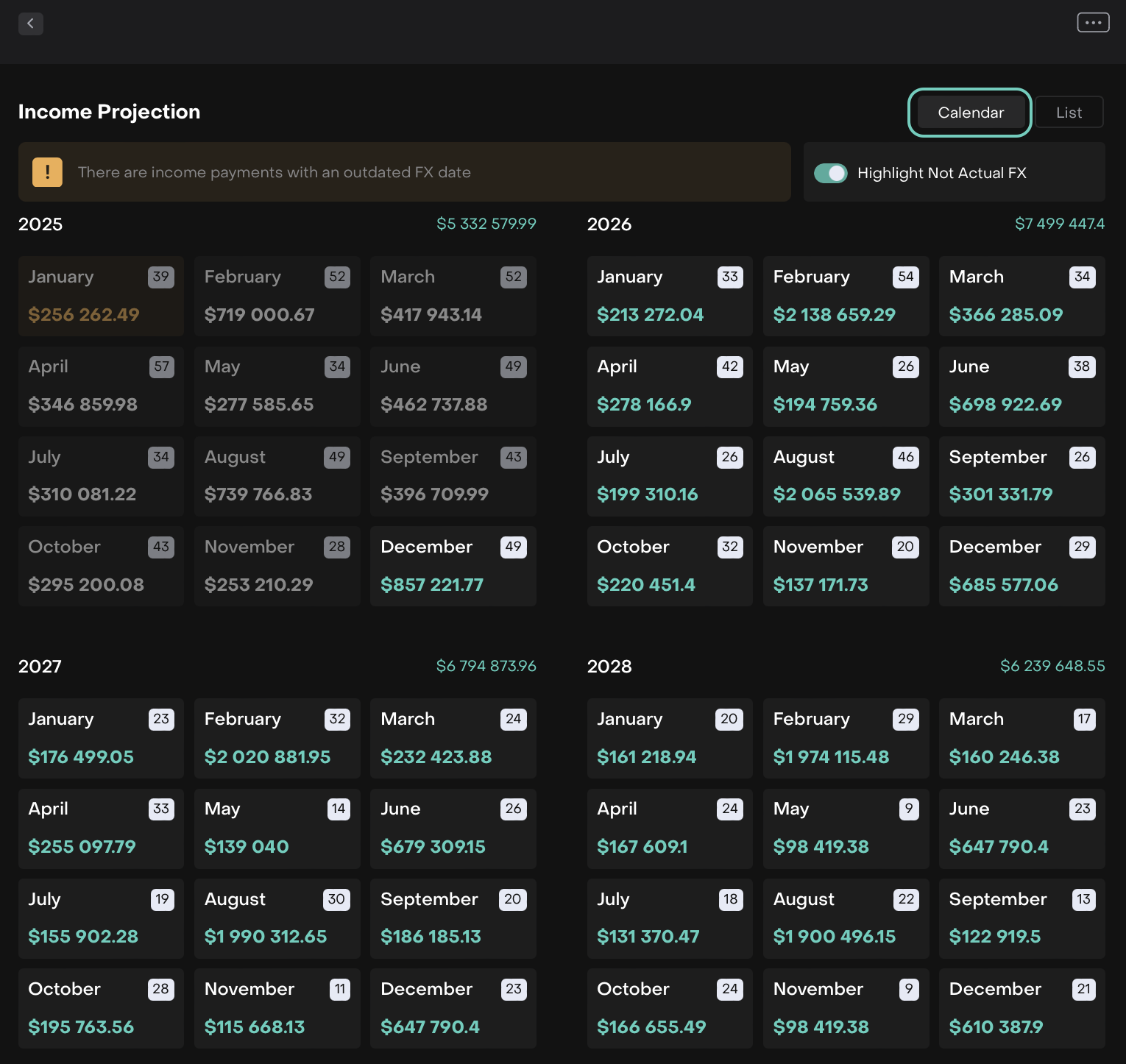
Calendar View
Visual representation of all income projections on a calendar layout.
Helps identify monthly or daily clusters of payments at a glance.
List View
Tabular format showing all income projections in chronological order.
Includes detailed fields for portfolio tracking and reconciliation.
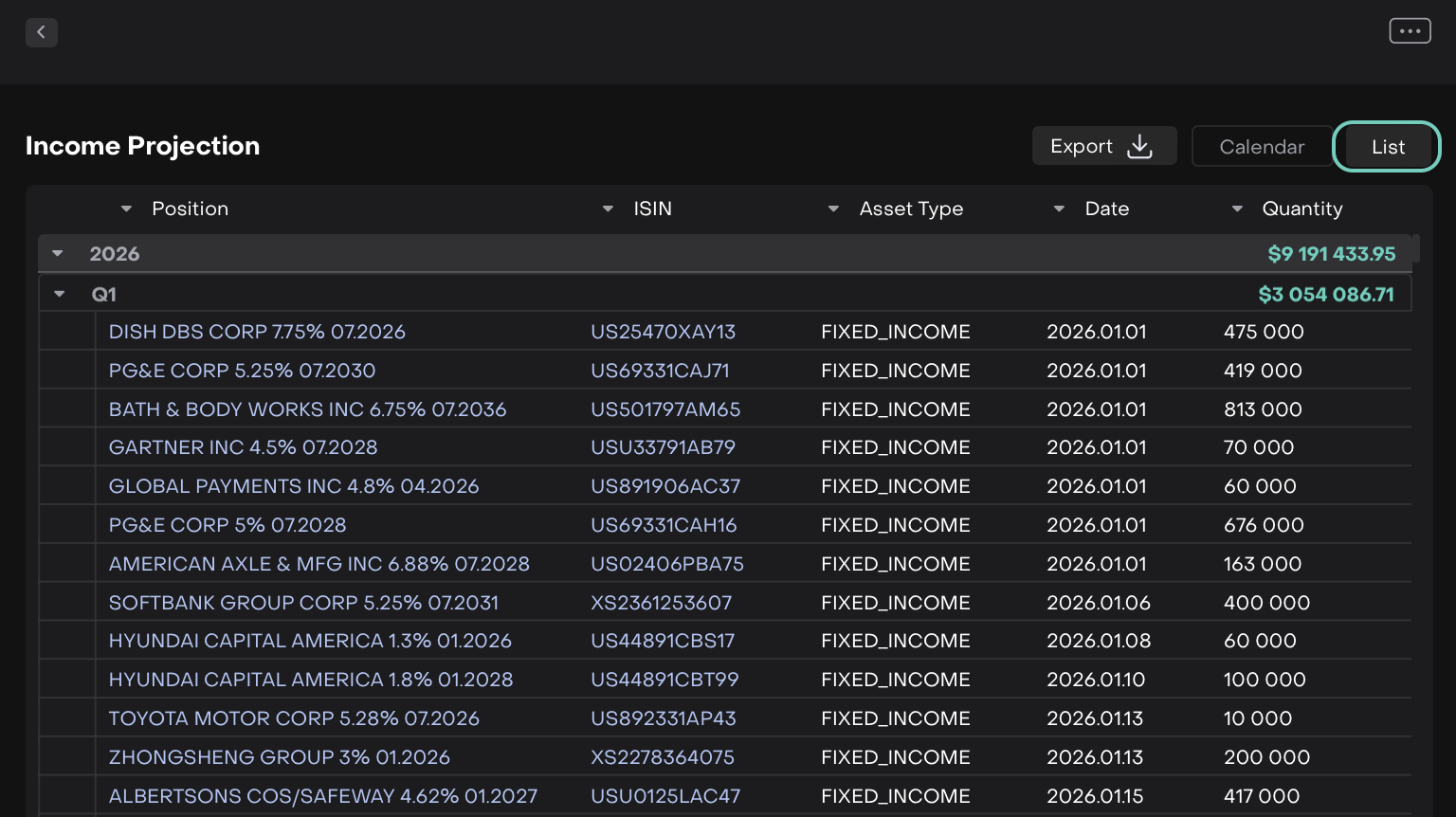

Calendar view does not support export.
On the List View, apply any required filters or export all data without applying filters.
Click the Export button.
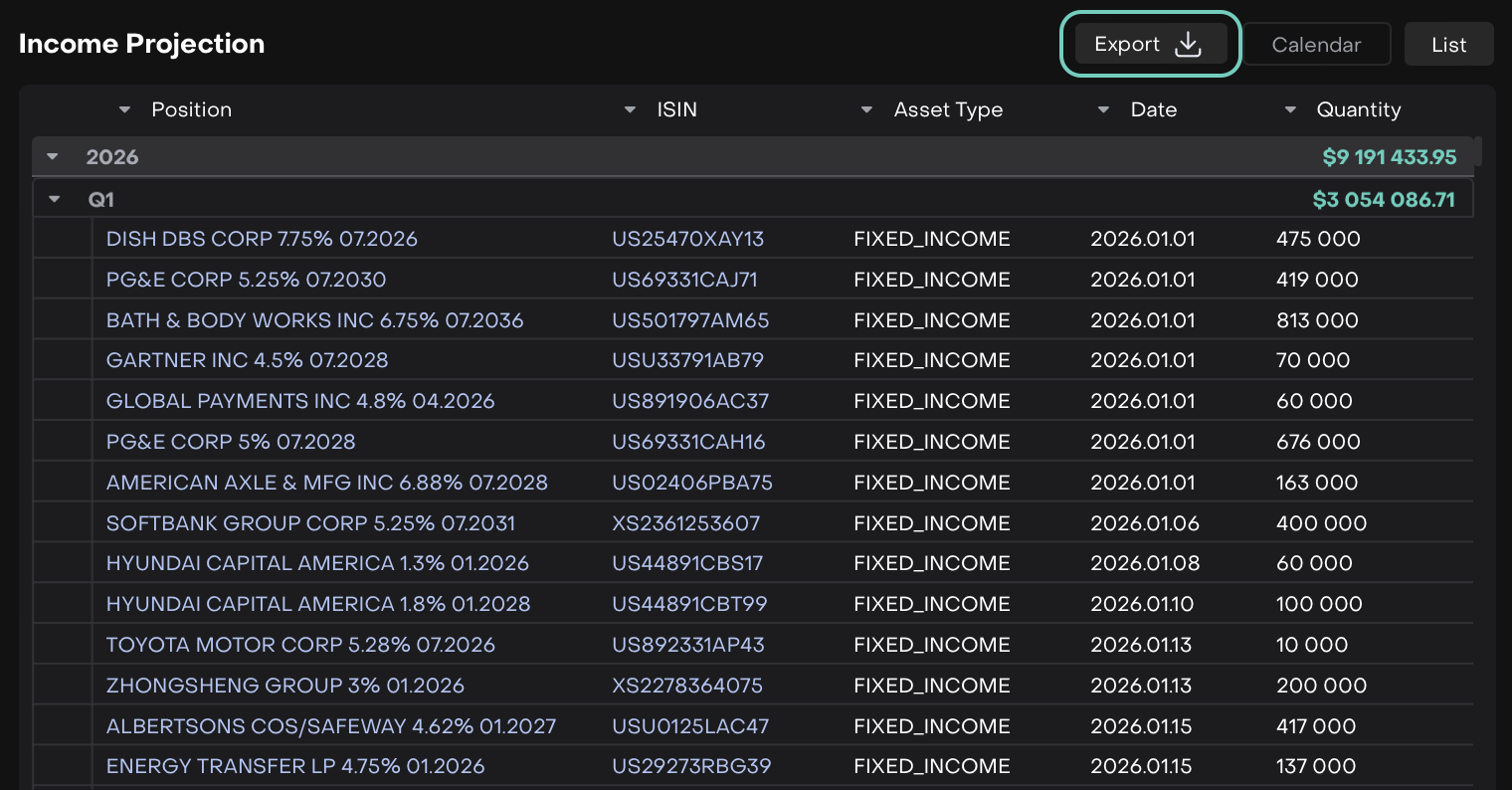
The .xlsx file is downloaded to your device.

The exported file reflects exactly what is shown in the list view at the time of export.