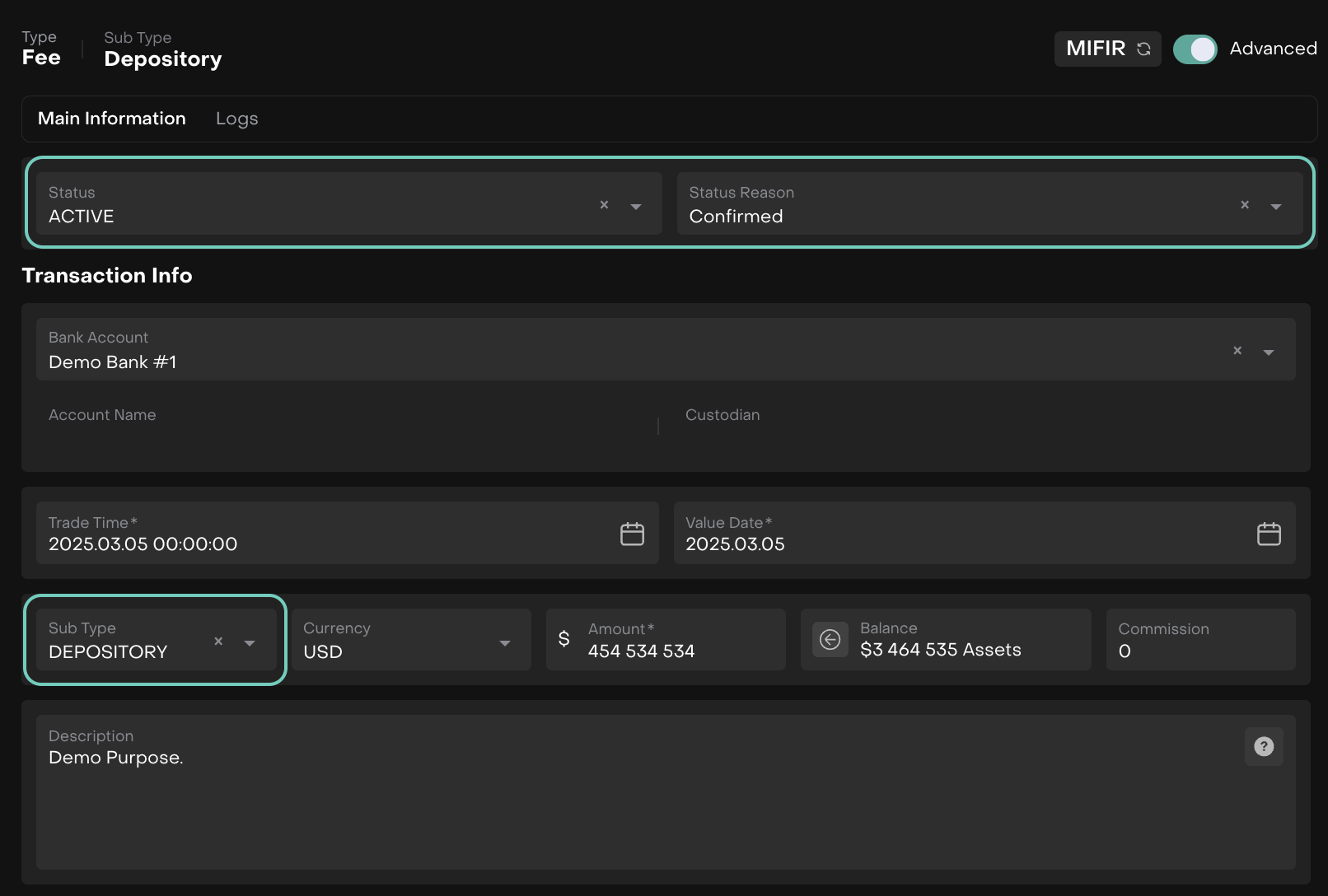
Depository Fees
Introduction
Depositary fees are charged for clients who use depositary services. These fees cover the safekeeping, settlement and administration of assets held by the depositary.
🔗 To learn about on how to Execute Fees, click here.
👉 New to some terms? Check out full Glossary for quick descriptions.
Set Up Depositary Fee

Fees must be set up at the Mandate level first.
Create a Fee Order with Subtype = Depositary Fee
Navigate to Transactions > Find Orders tab.
Select Create Fee Order and choose Depositary as the subtype.
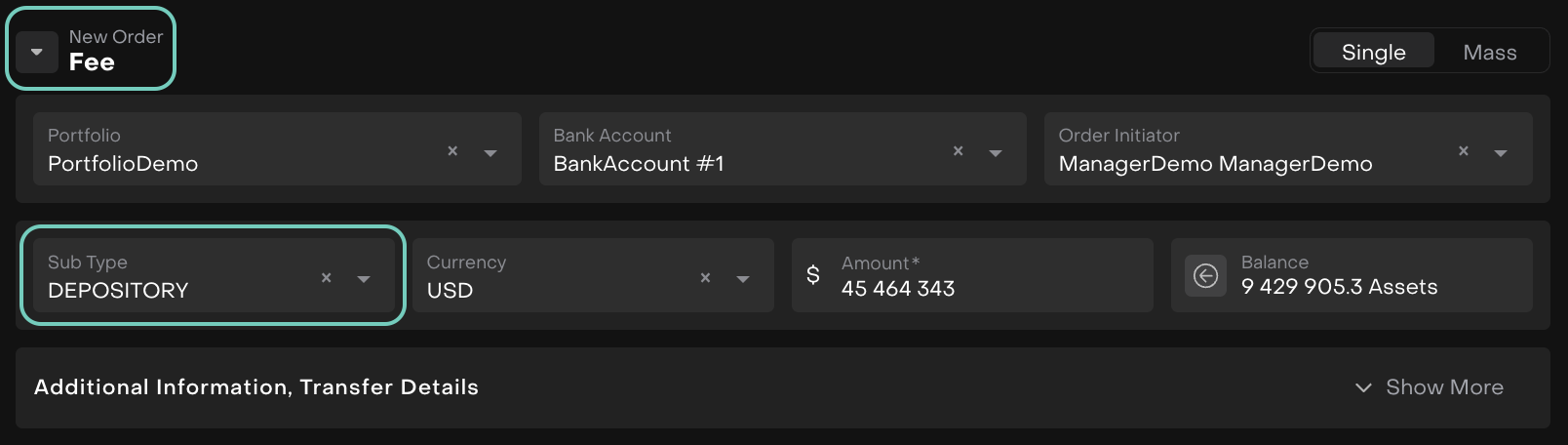
Execute the order to create a transaction for the fee.
Once the fee is executed, the platform generates a transaction in Active/Order status.
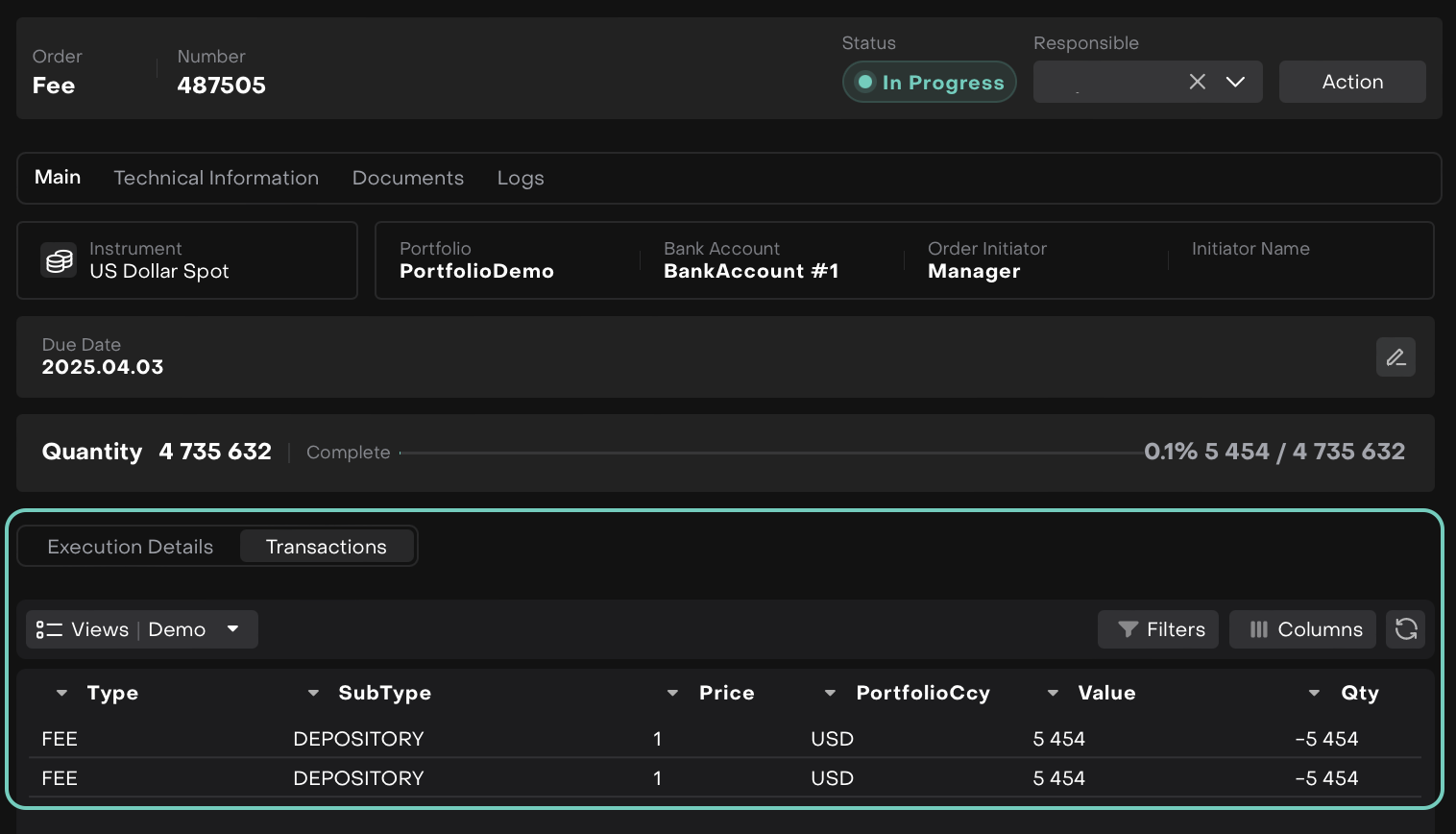
Match Order Data with Bank Data
You can then match the order data with the bank data for validation.
OR
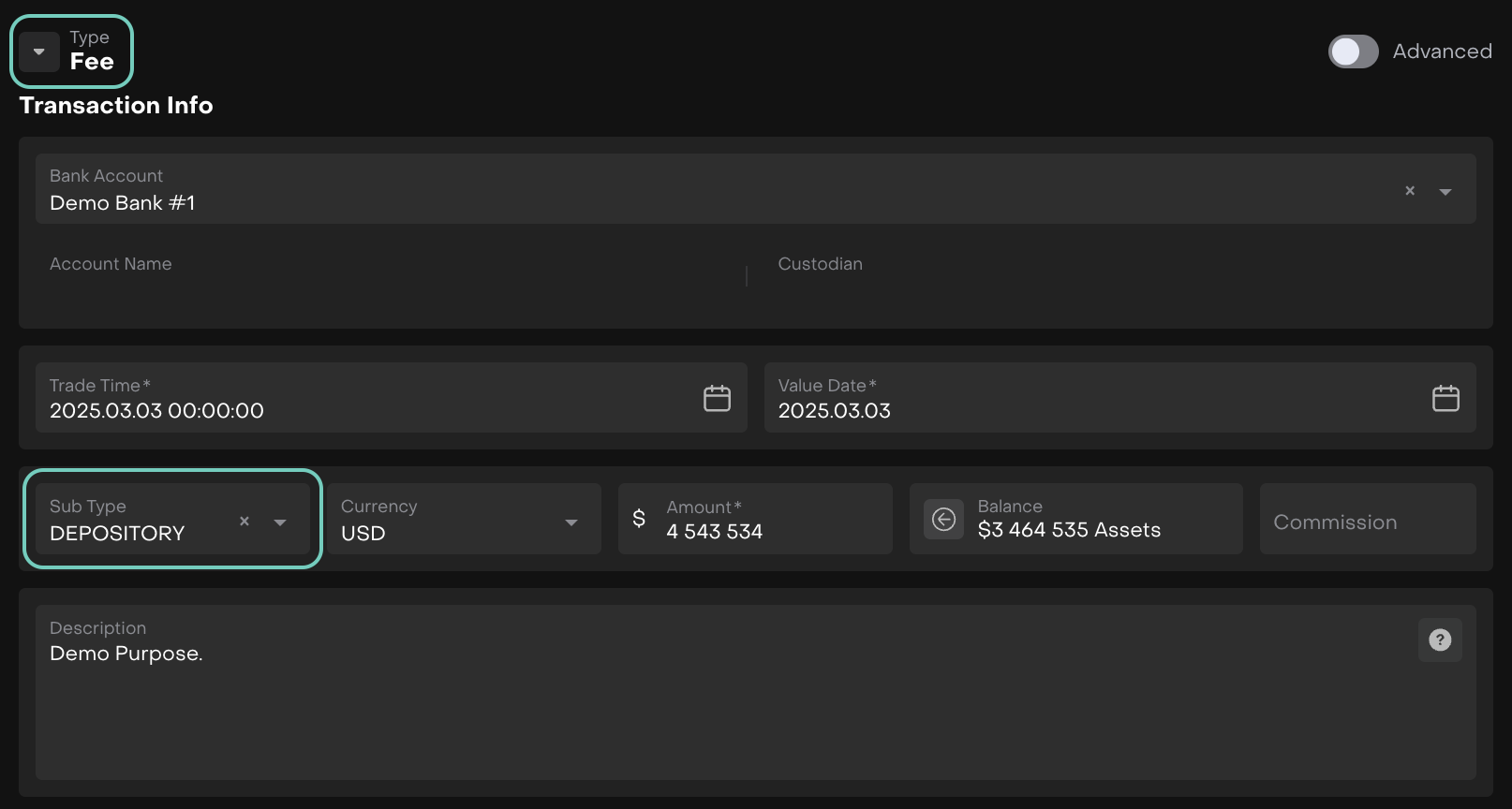
Create a Fee Transaction with Subtype = Depositary Fee
Navigate to Transactions and create a fee transaction with the Depositary Fee subtype.
Manage Fee Statuses
Track the fee’s statuses and move it to Confirmed as required.