
iOS App Release 1.1.8
📱 iOS Mobile App – Release Notes
Welcome to the official release notes for our iOS Mobile Apps. With every update, we’re bringing more power in your pocket — giving you the tools to stay in control, anytime and anywhere. Here, you’ll find the latest features, enhancements and fixes across both of our iOS apps — all in one place.
Reluna Client App
Manage portfolios, track performance, and receive real-time updates — wherever you are.Reluna Manager App
Monitor client activity, approve requests, and stay on top of key metrics with ease.
🔍 Learn What's New:
Set Price Alerts & Get Notified Instantly NEW
RELUNA CLIENT RELUNA MANAGER
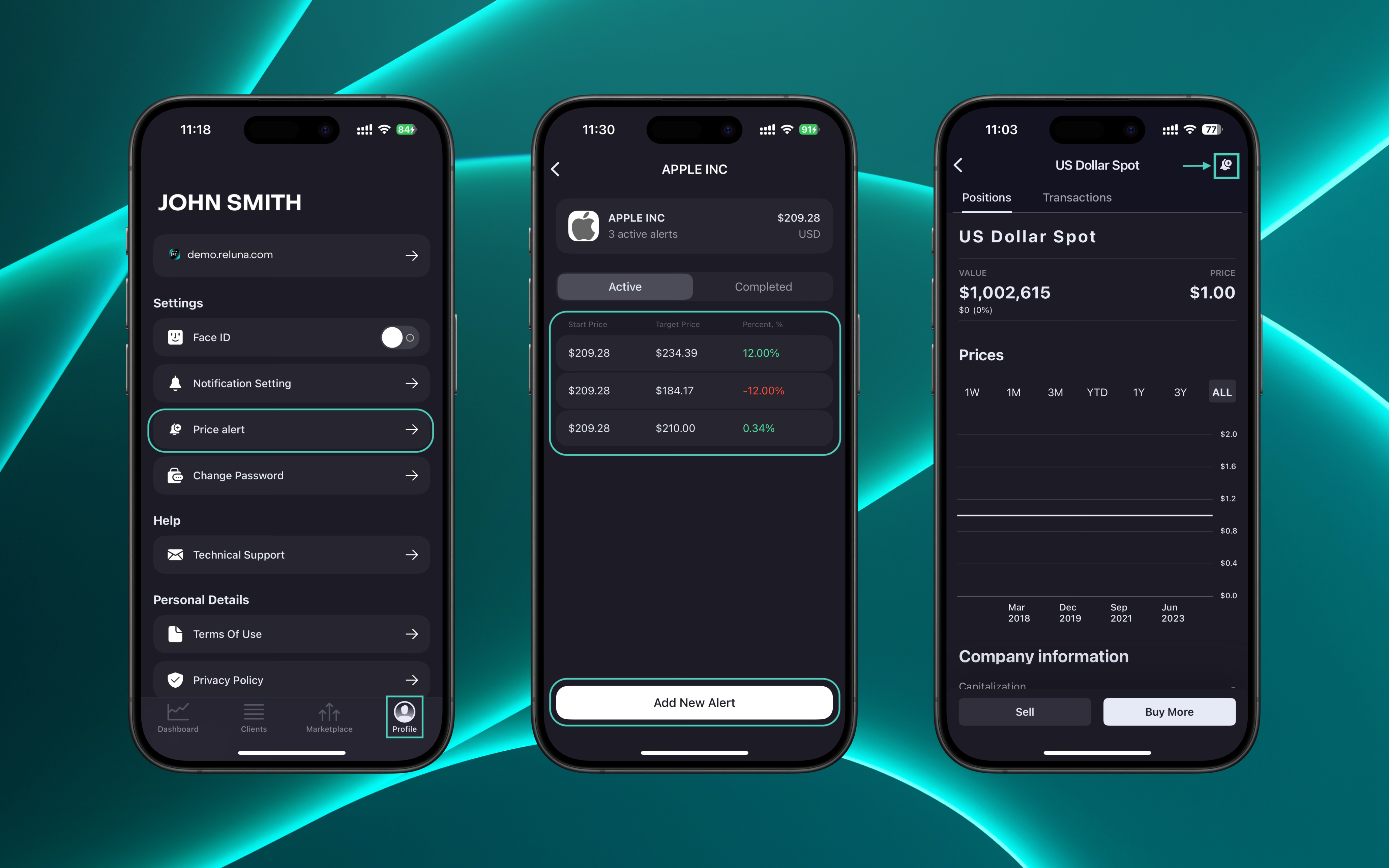
Price hit your target? You’ll know it instantly. Create custom Price Alerts for your securities and let the app track market moves for you. You can now:
✅ Set new price alerts for any security
✅ View all your active alerts grouped by instrument(s)
✅ Get instant notifications when your target is hit
Go to Profile > Price alert or tap the bell icon in Positions to set an alert.
👉 For more information, refer to the detailed guide here.
Refreshed Login Experience ENHANCEMENT
RELUNA MANAGER
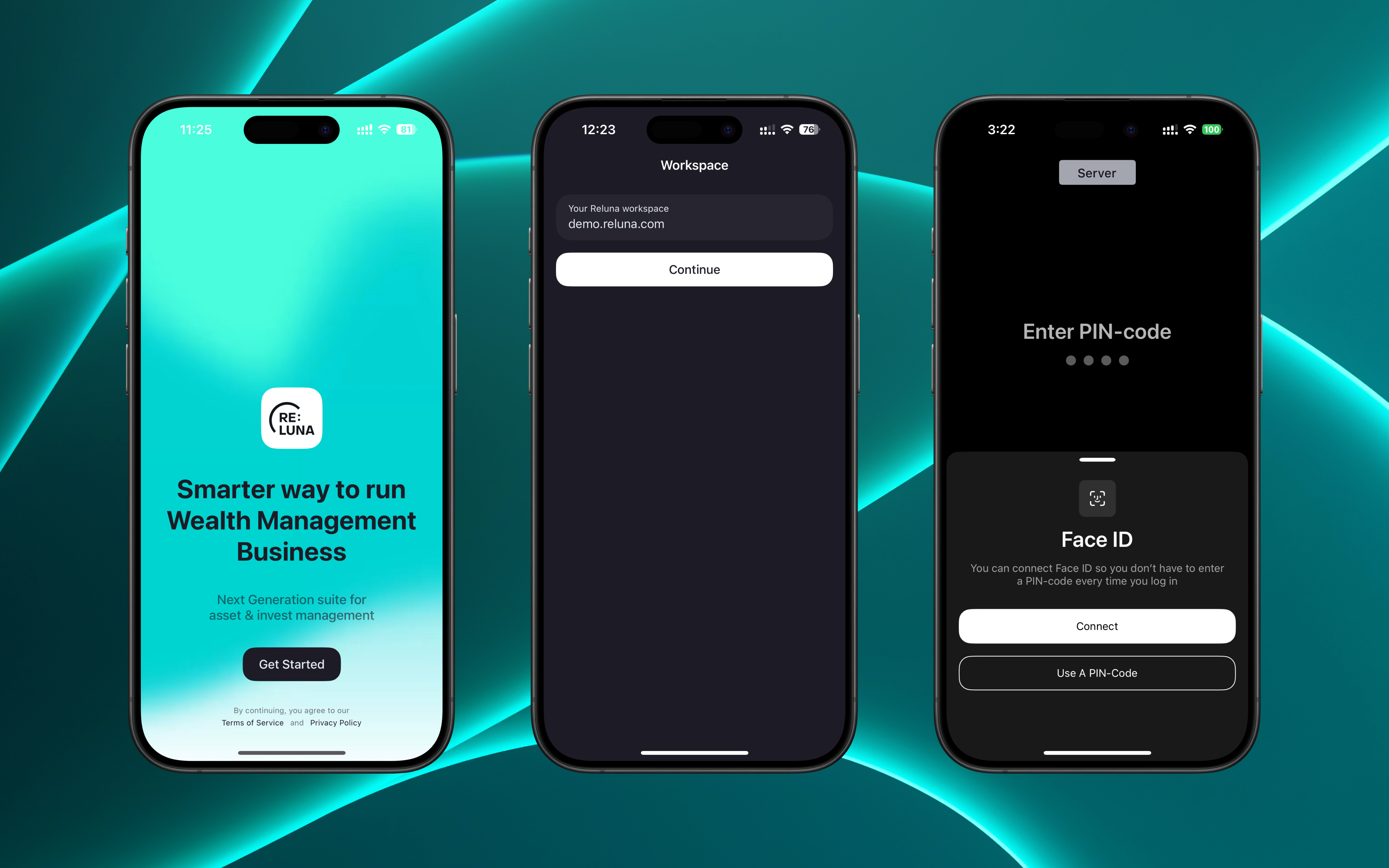
Logging in is now faster, cleaner and more secure.
✅ Fresh new start/login screen.
✅ Set up Password, Code or Face ID for added protection.
✅ Enter your workspace once – we’ll remember it for you.
A smoother way to start. A safer way to stay in.
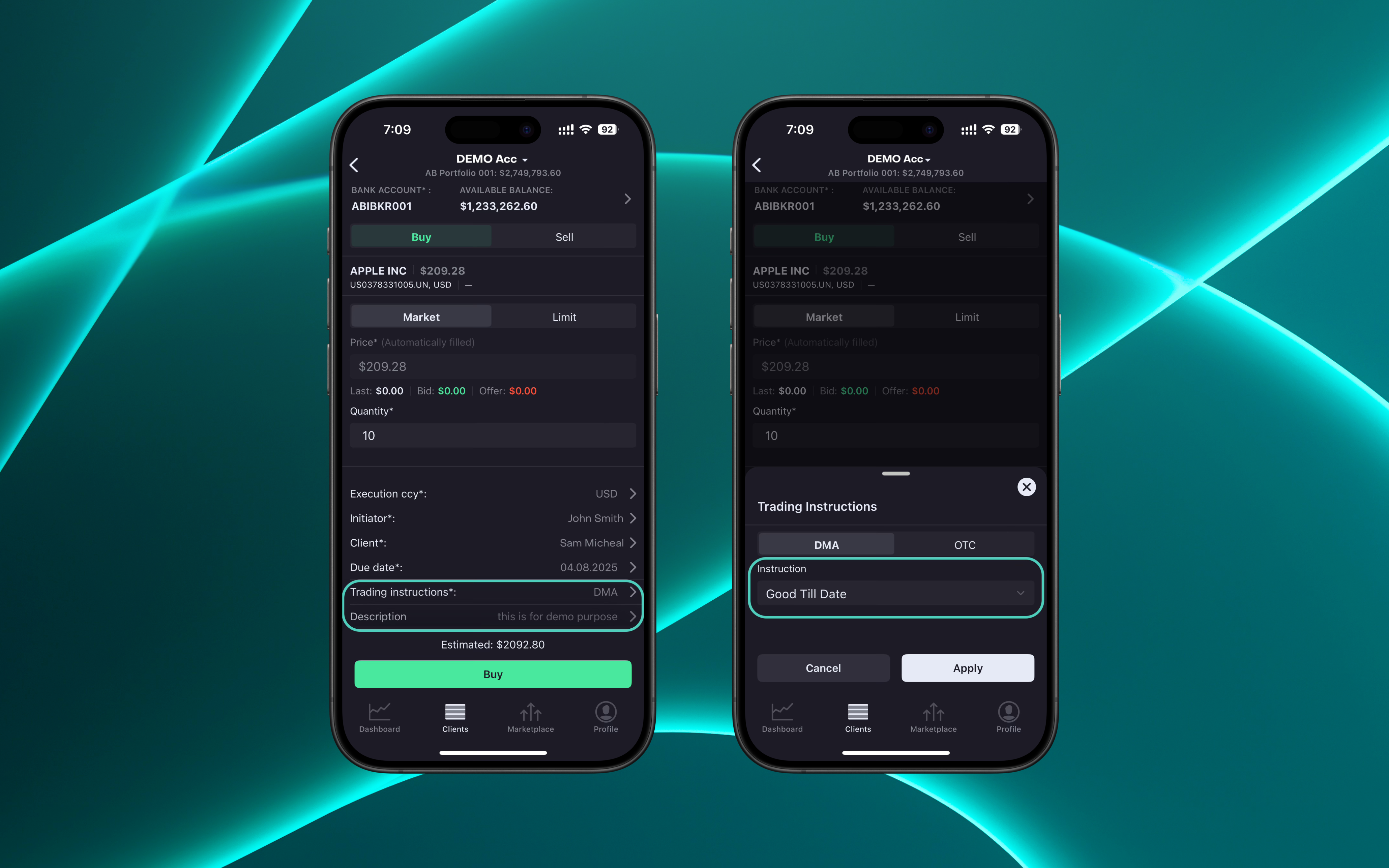
DMA Order Creation Issue Resolved BUG FIX
RELUNA MANAGER
We’ve fixed an issue where the Instructions drop-down and Description field were incorrectly displayed when placing a DMA order in the Manager App. These fields now behave as expected based on the selected Bank Account.

This release includes important bug fixes and performance improvements to ensure a faster, more reliable experience.
📲 Ready to check it out?
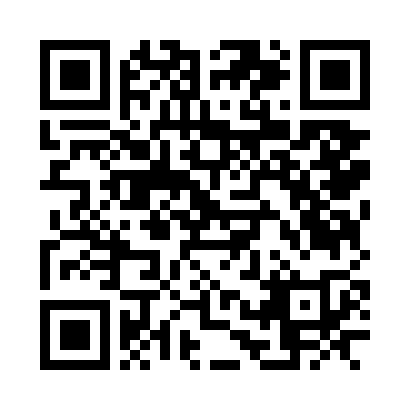
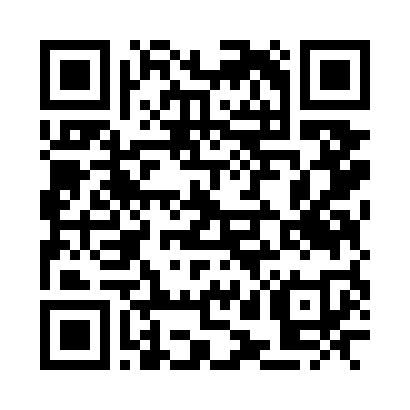
Just click or scan to get started!
Reluna Client App
Download on App Store →
Reluna Manager App
Download on App Store →
Stay tuned — more updates coming your way in the next release! For details or feedback, explore the App, Contact Support or follow this guide if you’ve questions or feedback.
