
Release 4.26
🔍Learn What's New:
Link TAX/FEE with Cash or Security ENHANCEMENT
BACK OFFICE
Assigning TAX and FEE to Cash or Security ensures accurate PnL and portfolio performance, reduces reporting errors and enables more informed investment decisions.
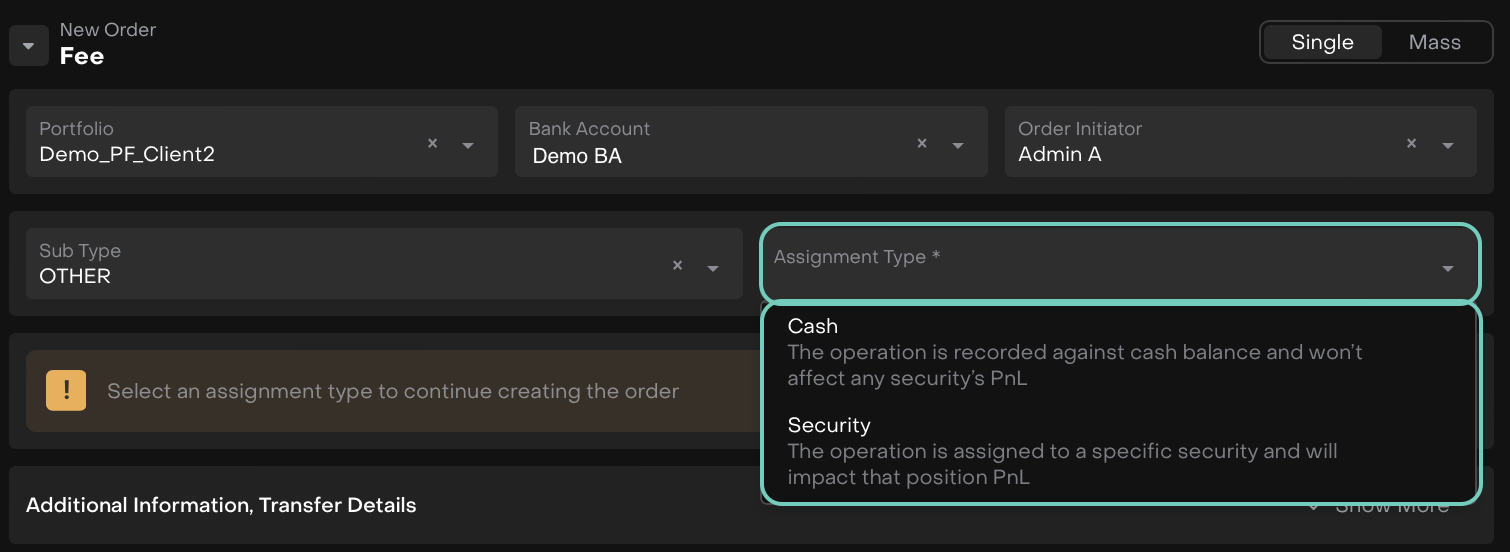
On Orders
Select whether the TAX/FEE order relates to Cash or a specific Security:
If assigned to Cash and the fee/tax has no link to a security, it will affect your Cash PNL.
If assigned to a Security (e.g., withholding tax on dividend), it will update the relevant Non-Cash PNL.
On Transactions
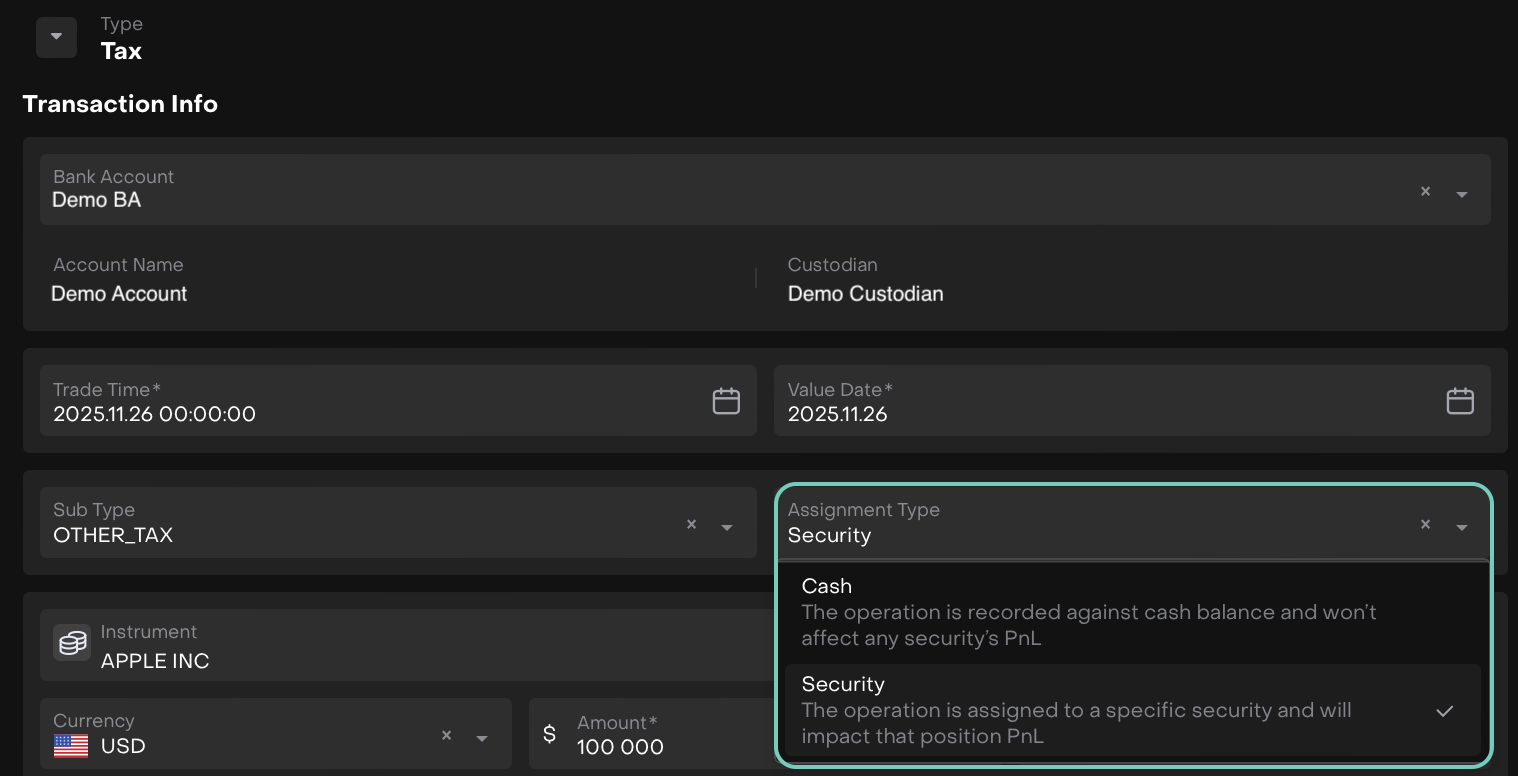
TAX and FEE transactions now include the same Assignment Type dropdown:
Cash assignments impact your Cash PNL.
Security assignments correctly update Non-Cash PNL, ensuring accurate performance attribution.
Private Assets Updates ENHANCEMENT
AUTHORIZED USERS ONLY
Added New Field to BUY Transactions
A new Initial Funding % field for BUY transactions is added, helping you track initial capital allocations more clearly.
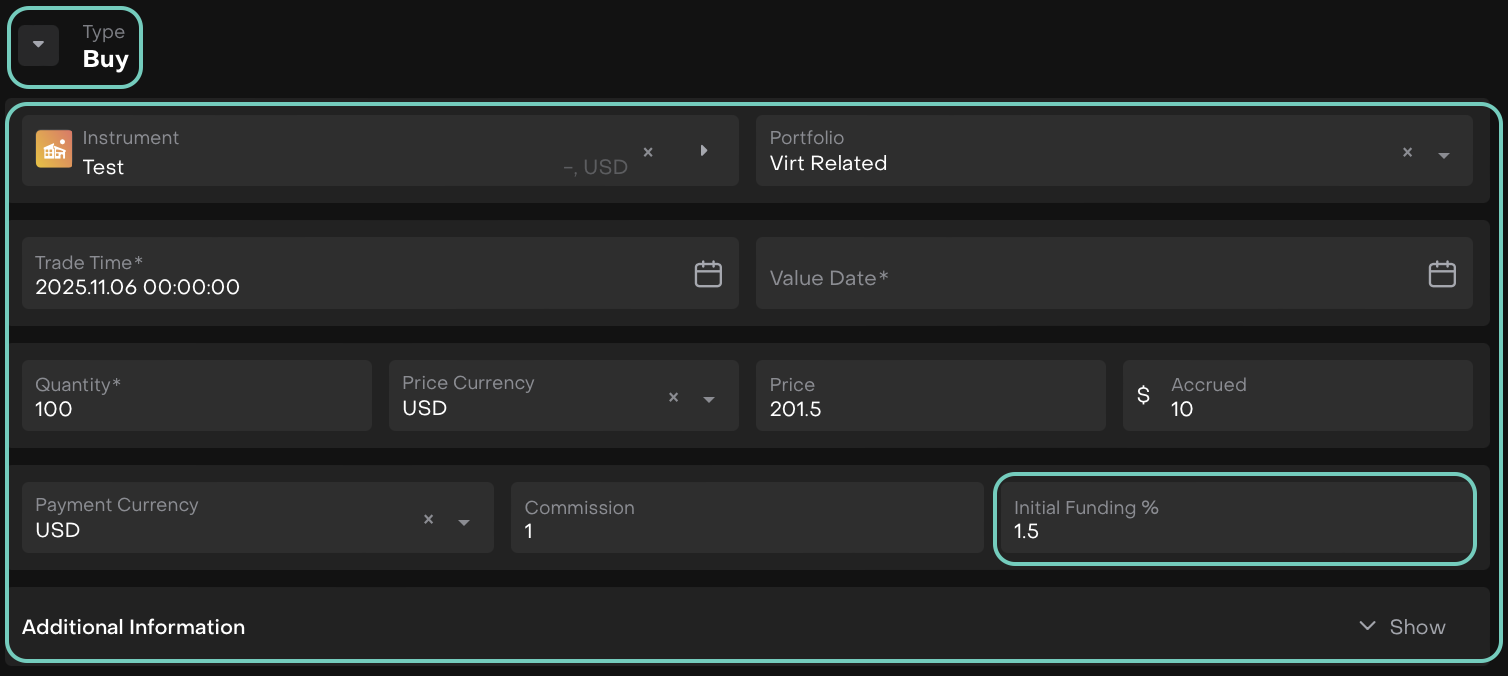
Private Asset Transaction Type = Buy
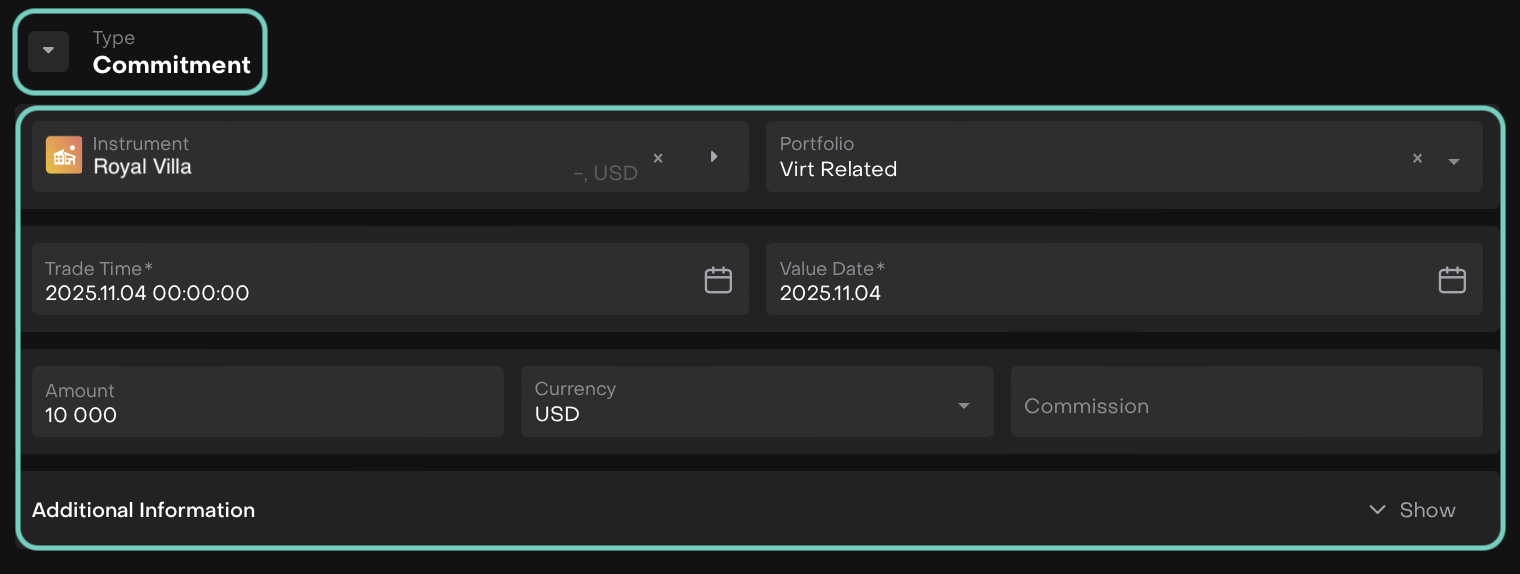
New Transaction Type: Commitment
Introduced a Commitment type for private instrument transactions, making it easier to categorize and manage pending commitments.

Commitment transactions do not affect quantity; only value and PNL are updated.
Check Total Sum of Commitments
The Commitments tab now displays the total sum of all commitments, giving you a quick overview of your private asset exposure.
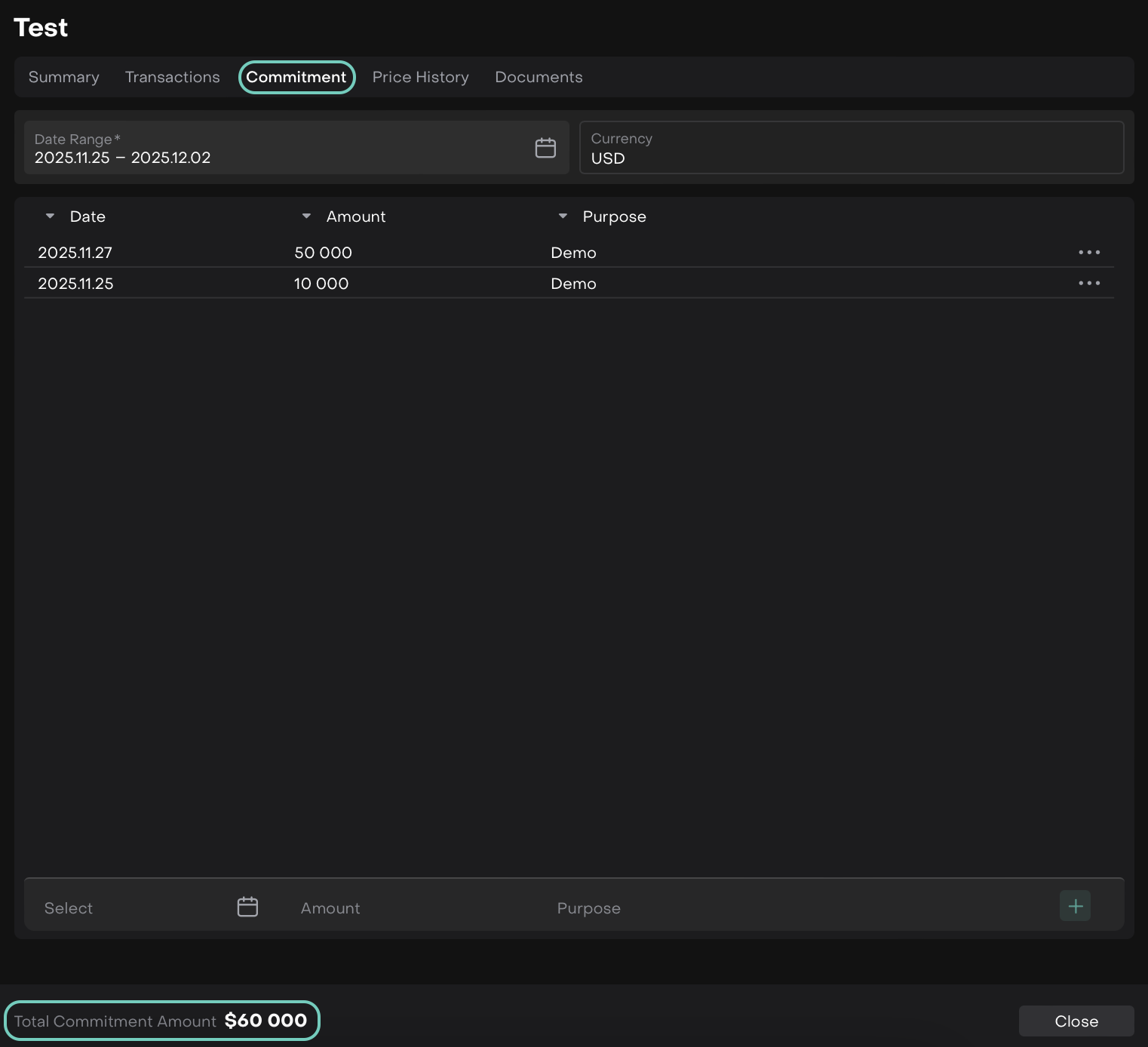
In Commitment Tab on Private Assets
Other Minor Fixes:
Fixed date change in Commitments tab not loading requests.
Corrected Accrued calculation on the form.
Fixed Net Amount Payment Currency for Commitment transaction type.
Refined Strategy / Marketplace View Experience ENHANCEMENT
FINANCIAL ANALYST
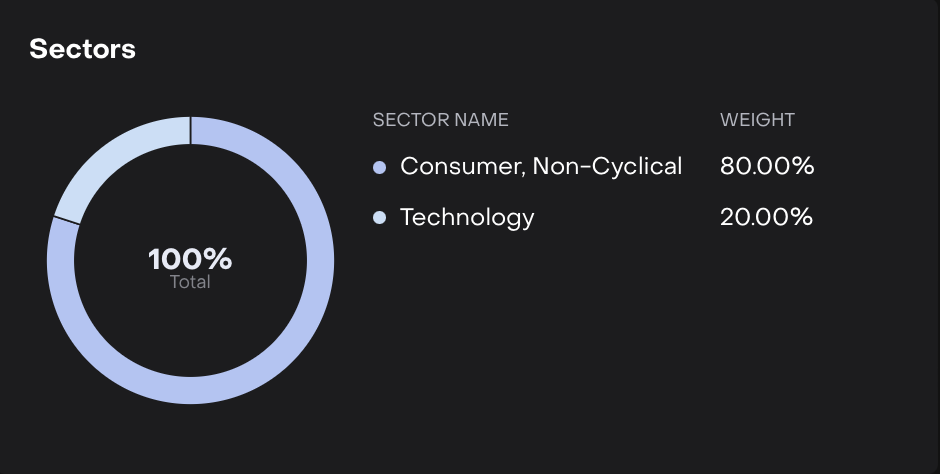
We’ve polished the Strategy View across Marketplace and Product pages to give you a smoother, clearer and more reliable experience. Here’s what’s improved:
UI & Layout Fixes
Added proper indents to widgets and improved History layout for better readability.
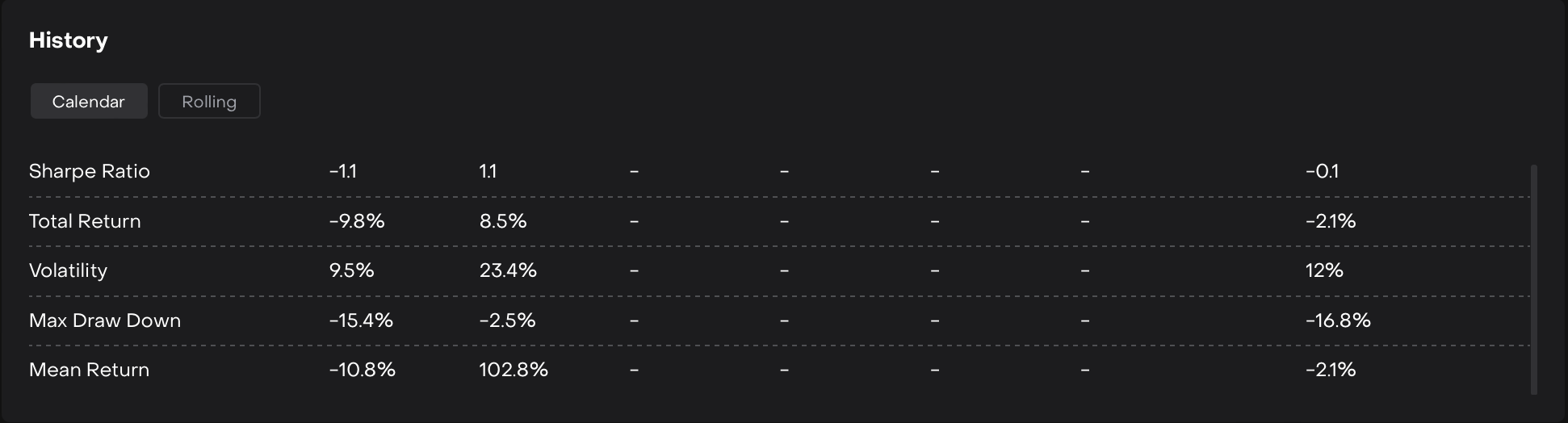
History Widget
Data & Chart Improvements
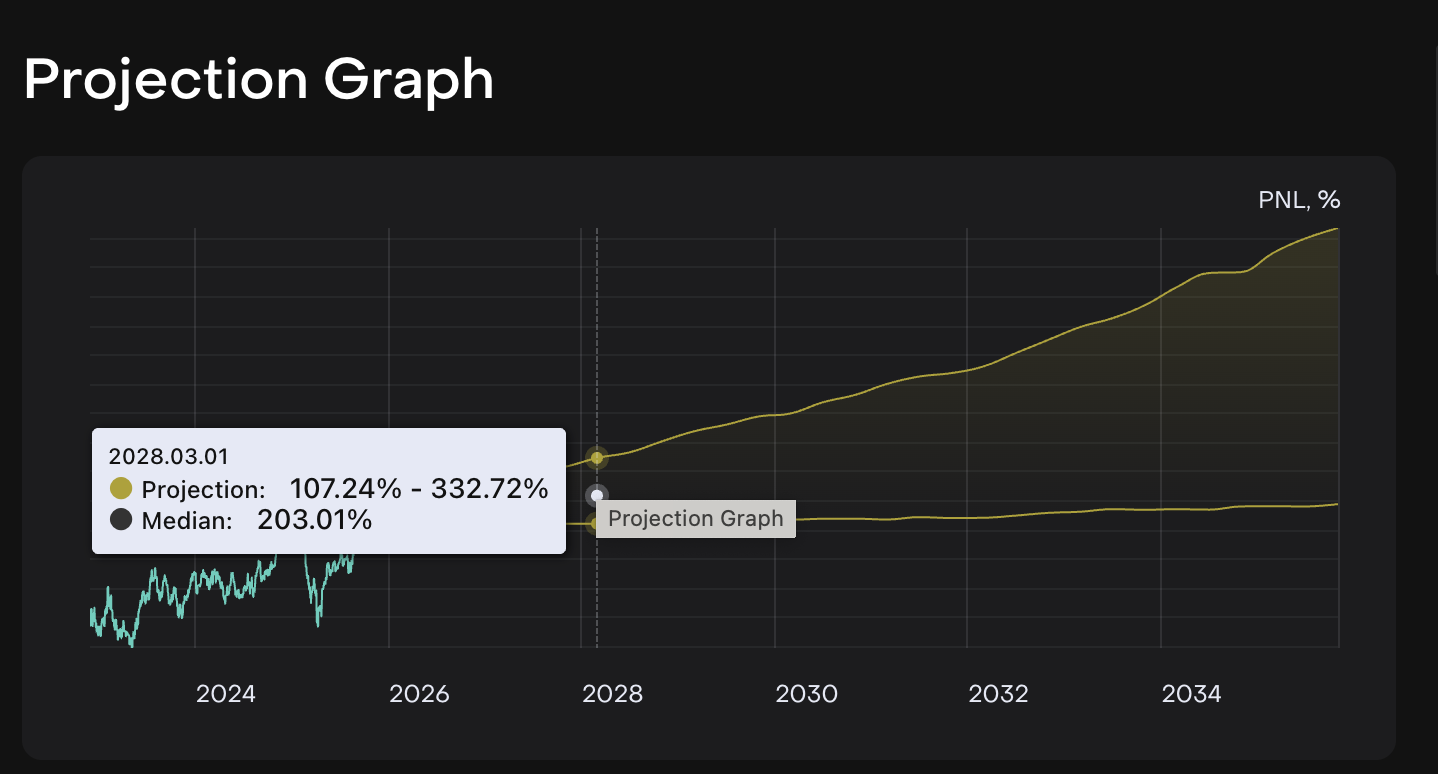
Added % symbols to data points.
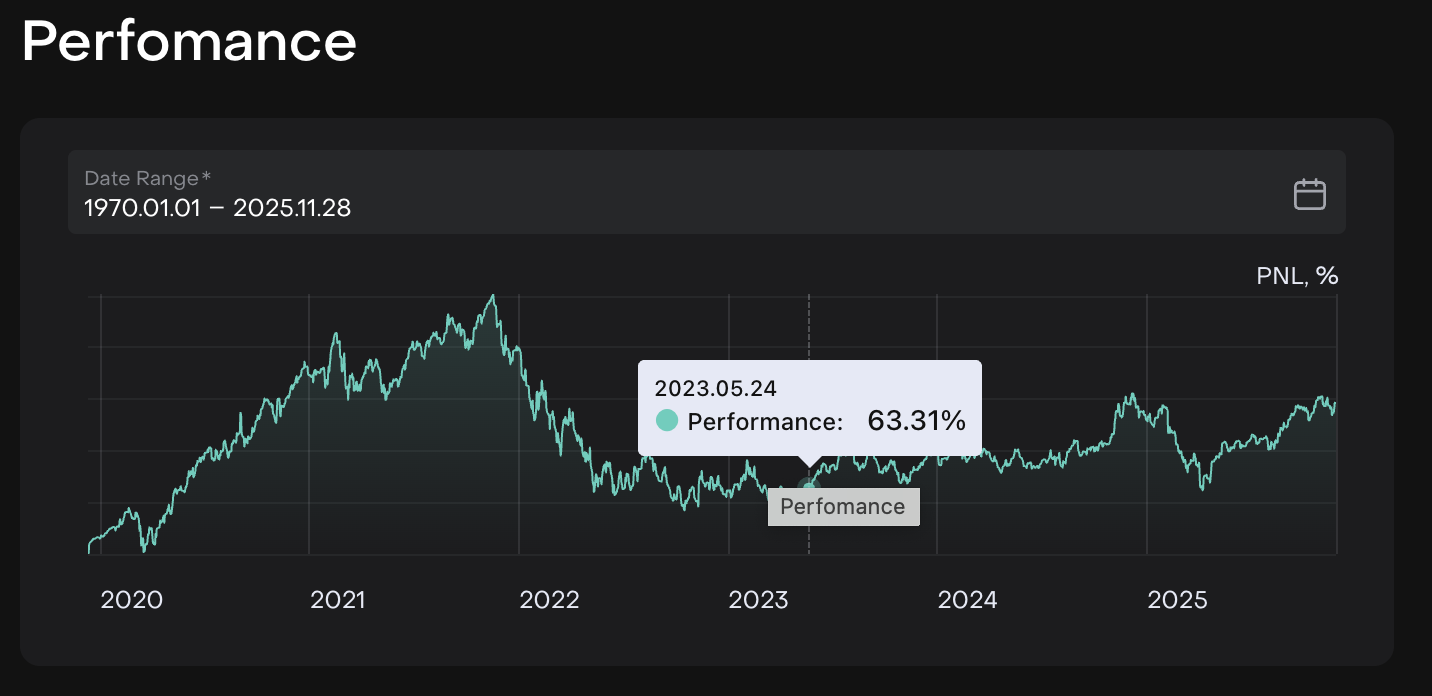
Added % when hovering over values.
Marketplace Disclaimer Added
A new Marketplace Disclaimer type has been added and now appears in the footer of the Marketplace shop.
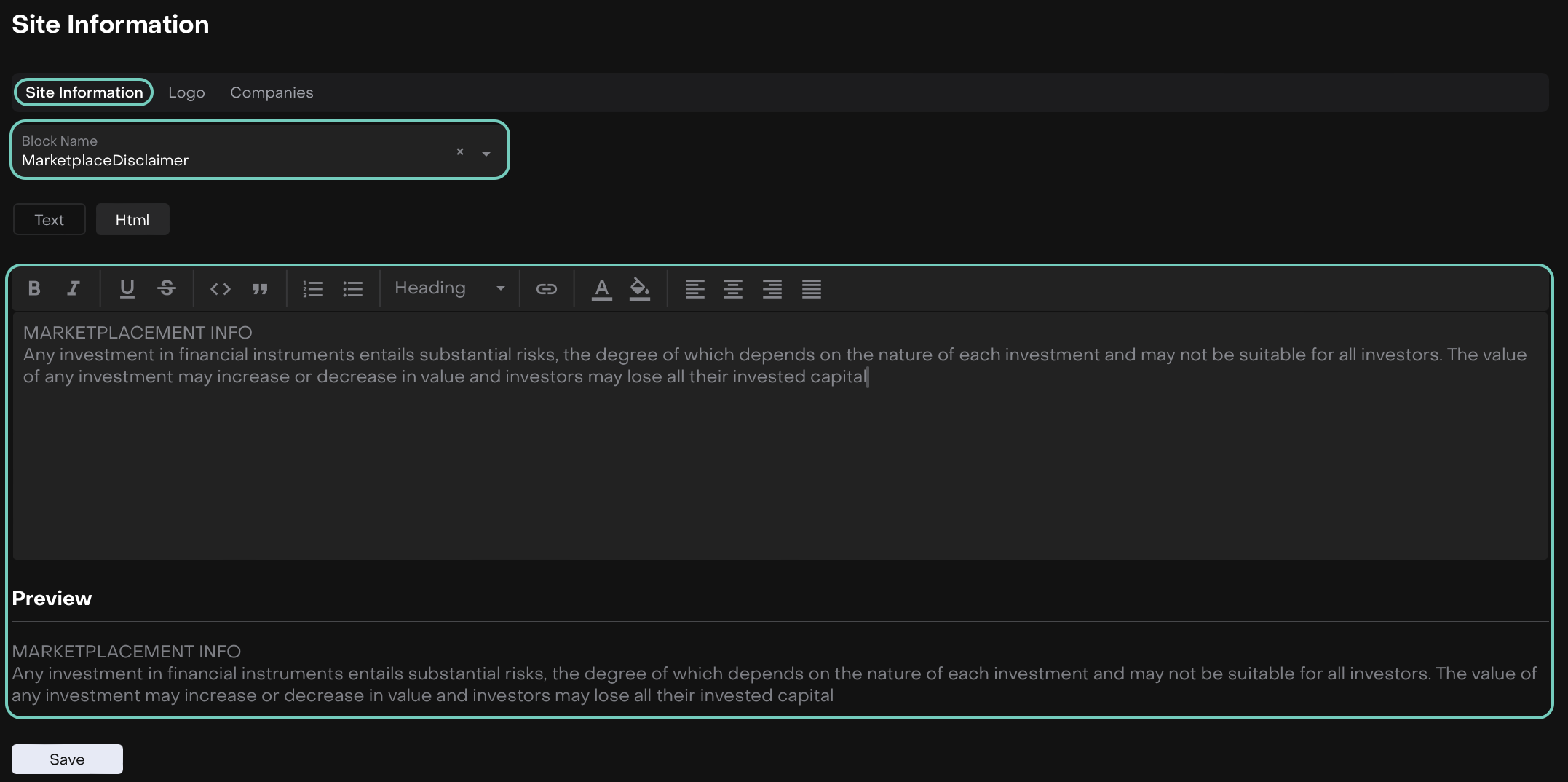
Company Profile > Site Information

On Marketplace > Shop
👉 For more details, refer to these guides:
Processes & Notification Updates ENHANCEMENT
BACK OFFICE ADMIN
Positions Added to Notifications & Processes
You can now include Position when creating Notifications and Processes.
In Notifications, Position is added to available Object Name and Object fields are fetched directly from Positions when selected.
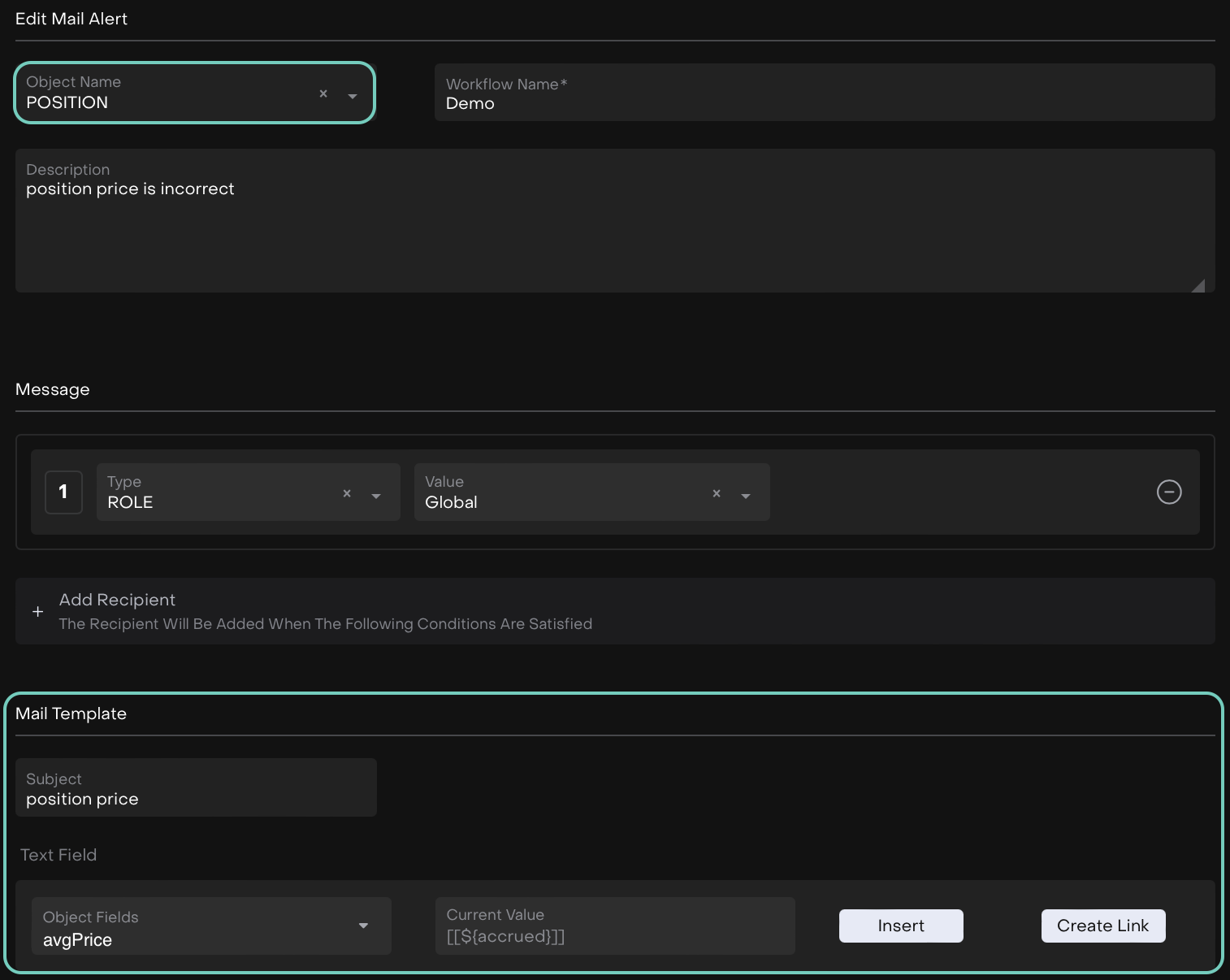
In Processes, you can select Object Name = POSITION. The Execute Based On Action trigger is disabled for Position only.
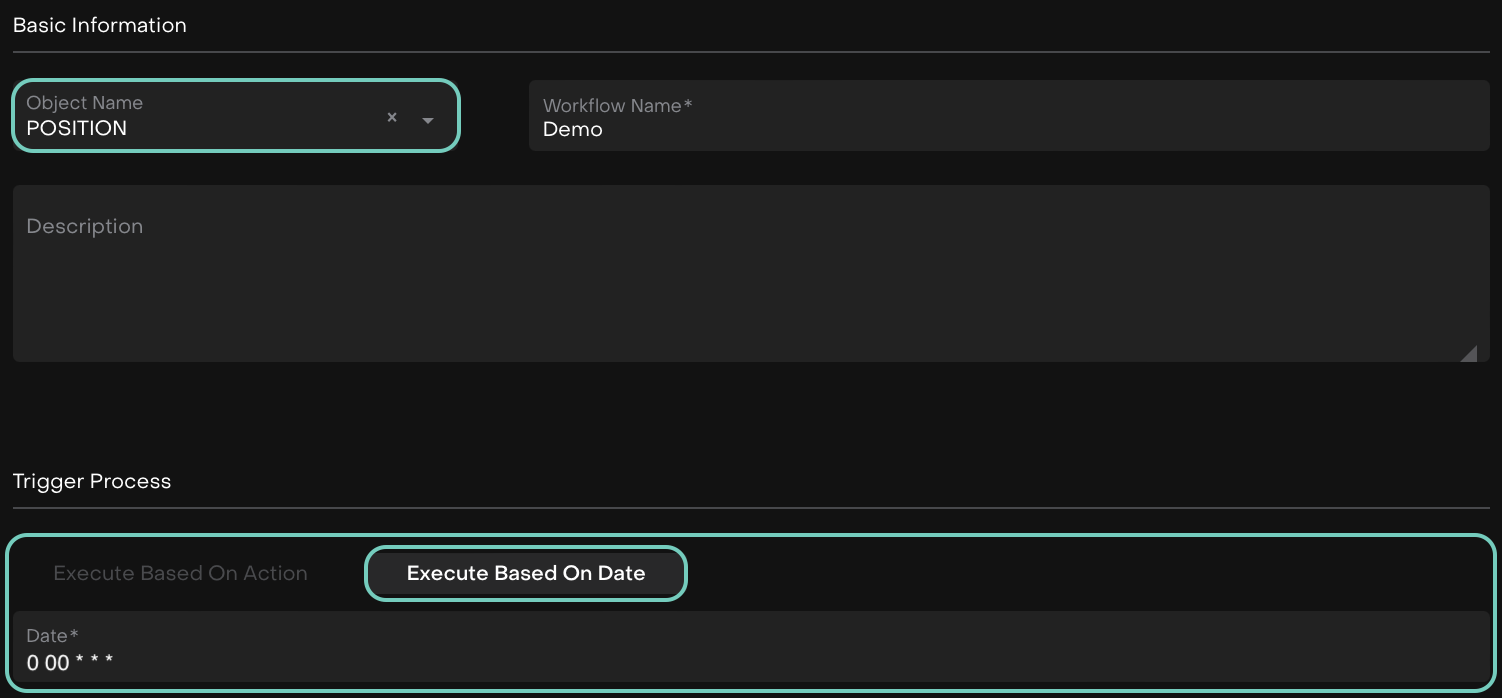
Notifications are now available in the Actions section.

Action Section

In Notifications, links to Position are not available.
Unified Criteria Operators When Setting Notifications / Processes
For Date-type system fields, turning ‘ON’ the Custom Date toggle will show only the operators available for customization, making your setup simpler and more precise.
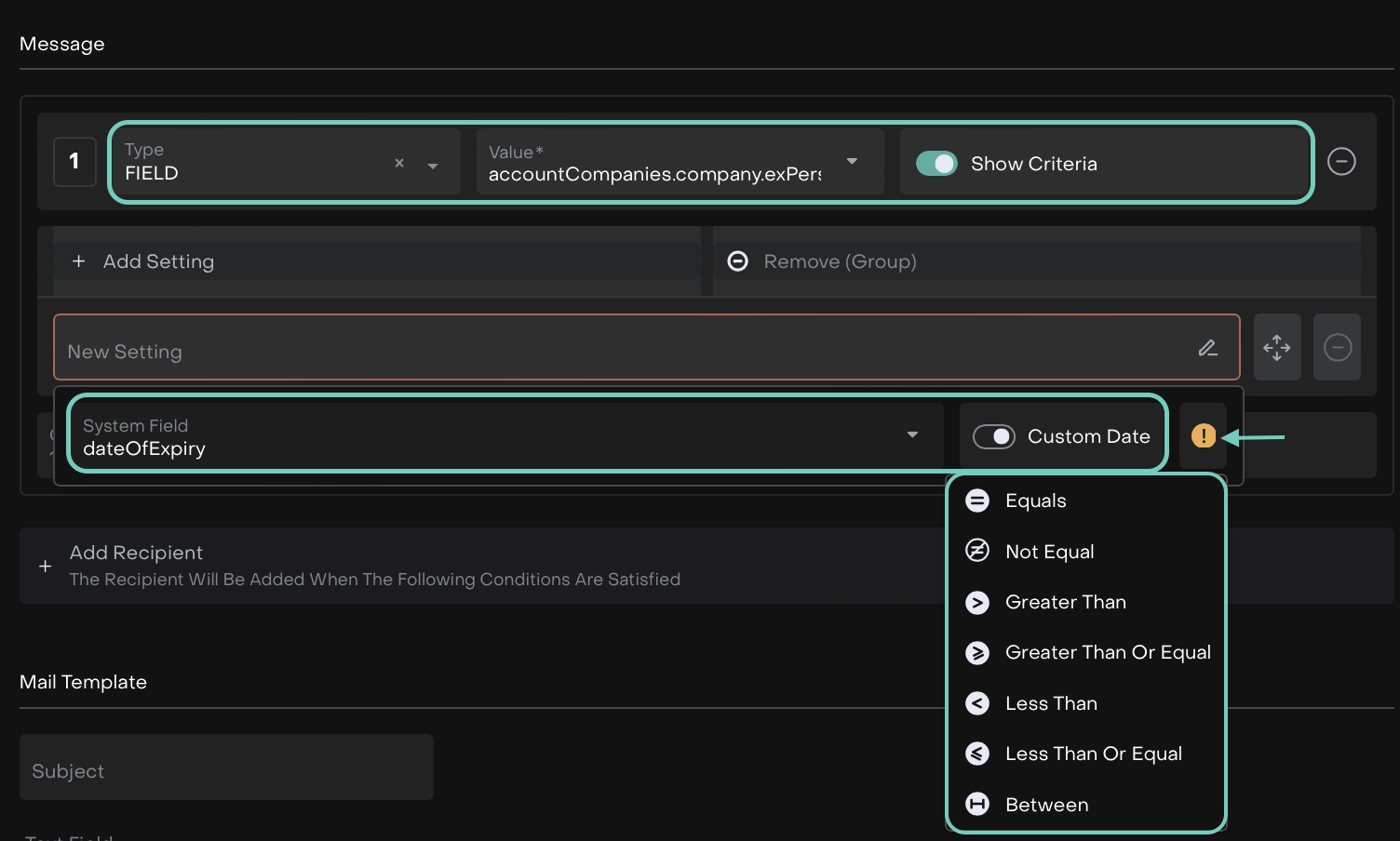
On Notifications Tab
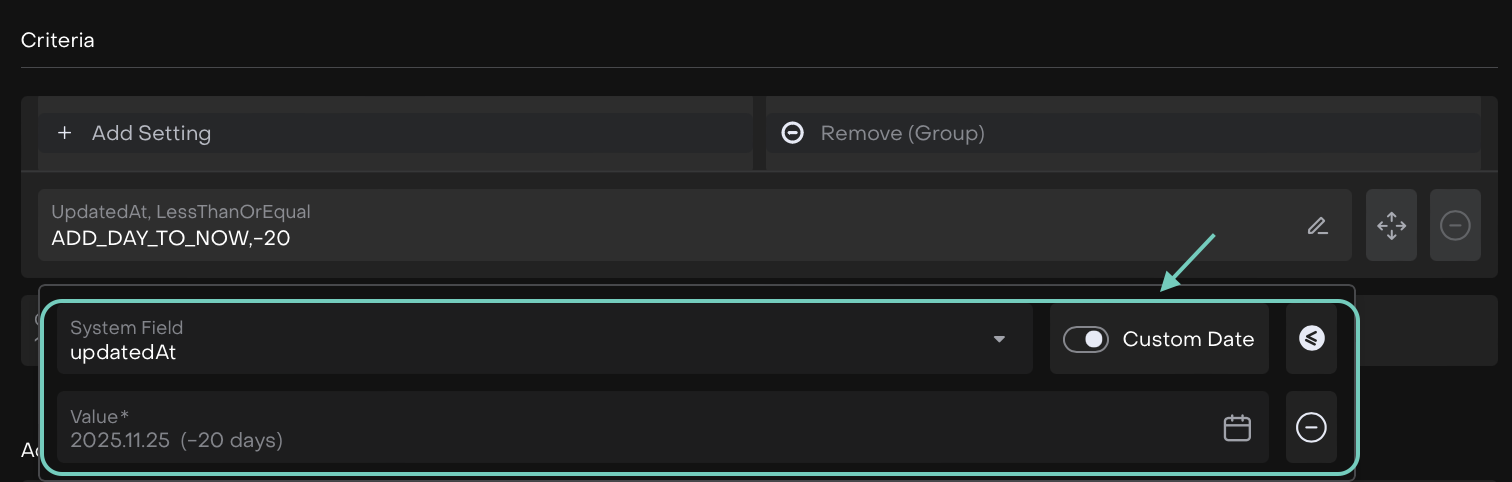
On Processes Tab
👉 For more details, refer to these guides:
Seamless Order Form Switching ENHANCEMENT
TRADER
Easily switch between Single and Mass Order forms on any portfolio (excluding OMNI) and use the Advanced toggle wherever you need it.

Longer Values Allowed in Important Notes ENHANCEMENT
CLIENT ADMINISTRATOR
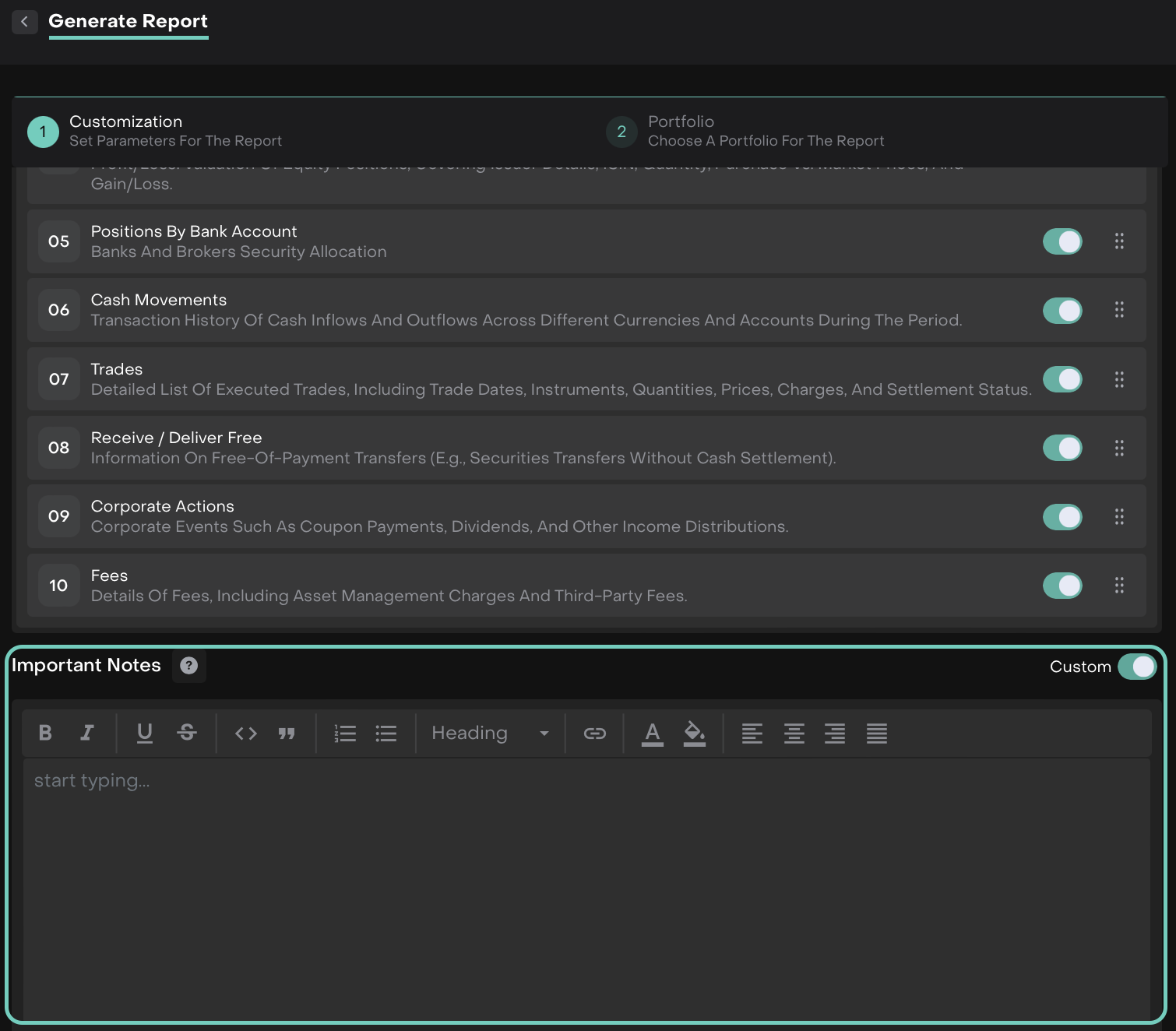
We’ve updated the Important Notes section in the Client Valuation Report from character varying(255) to text. You can now save longer notes without any errors.
Set and View Your Funding Cost & Interest NEW
MANAGER
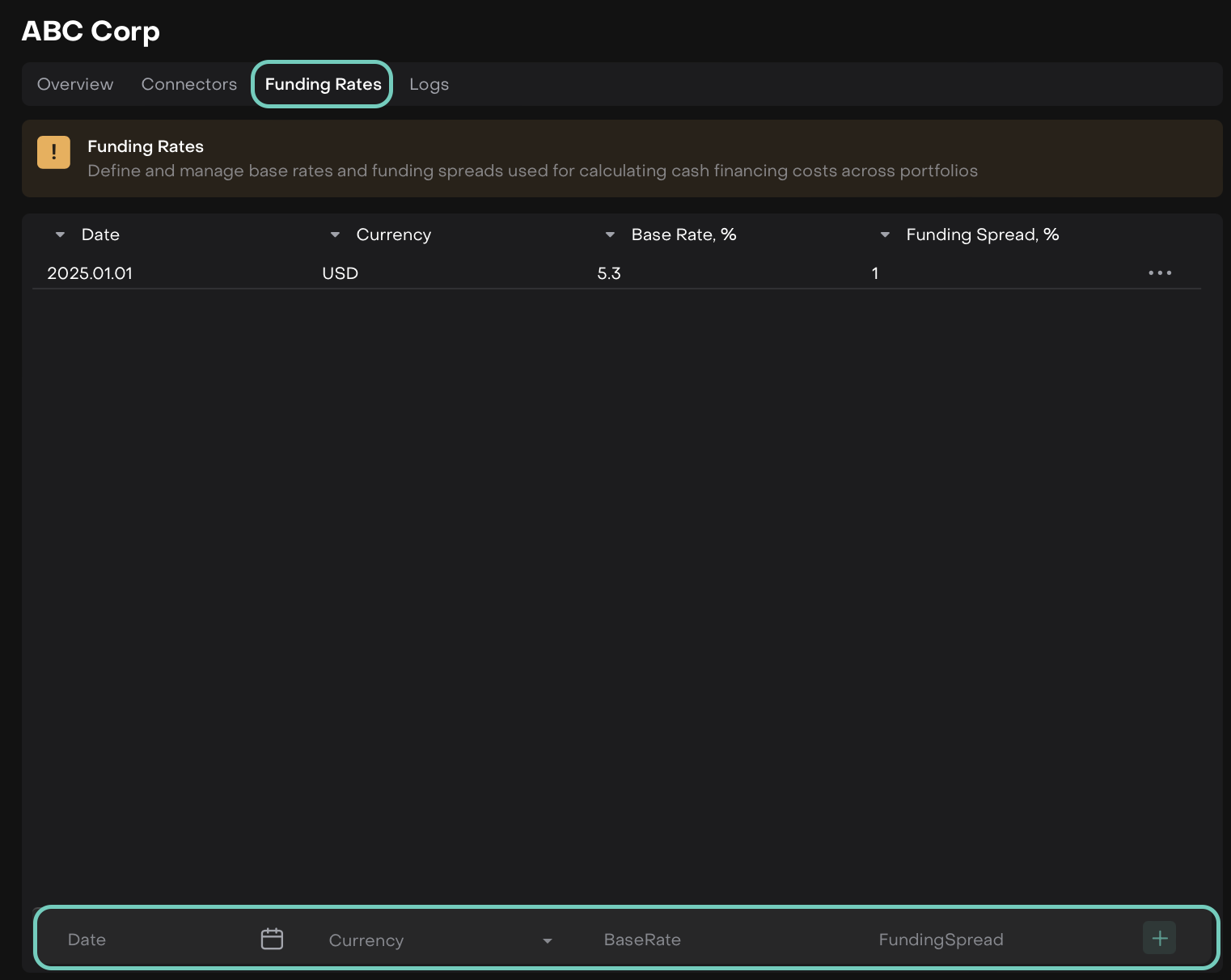
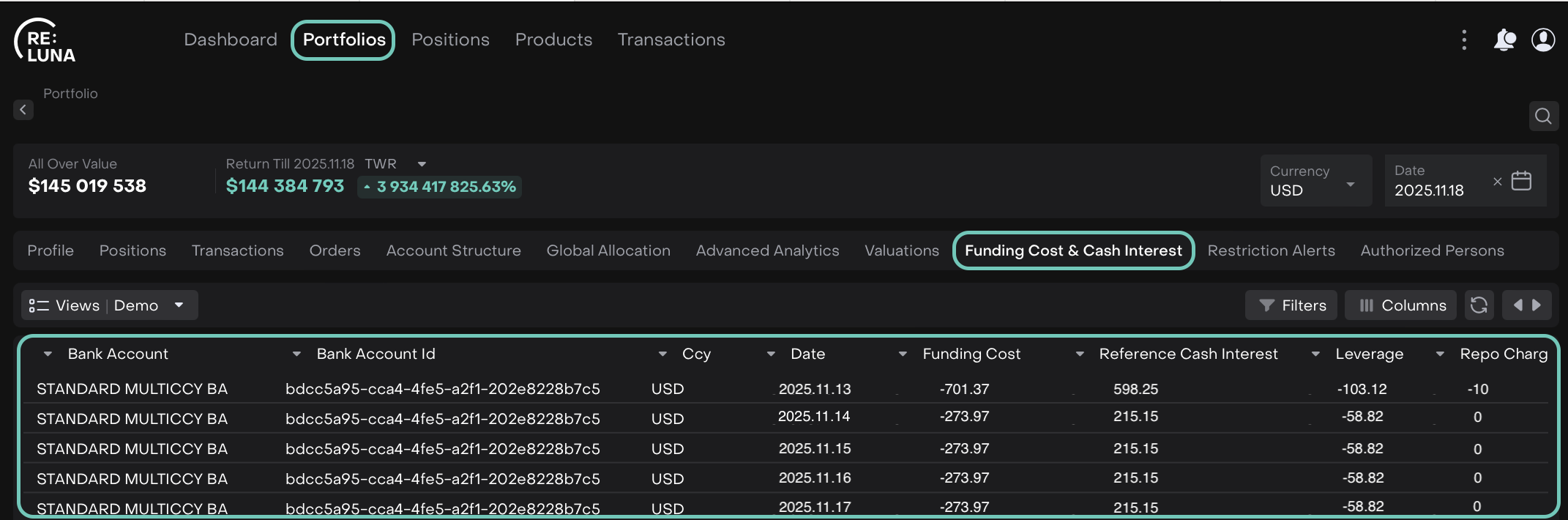
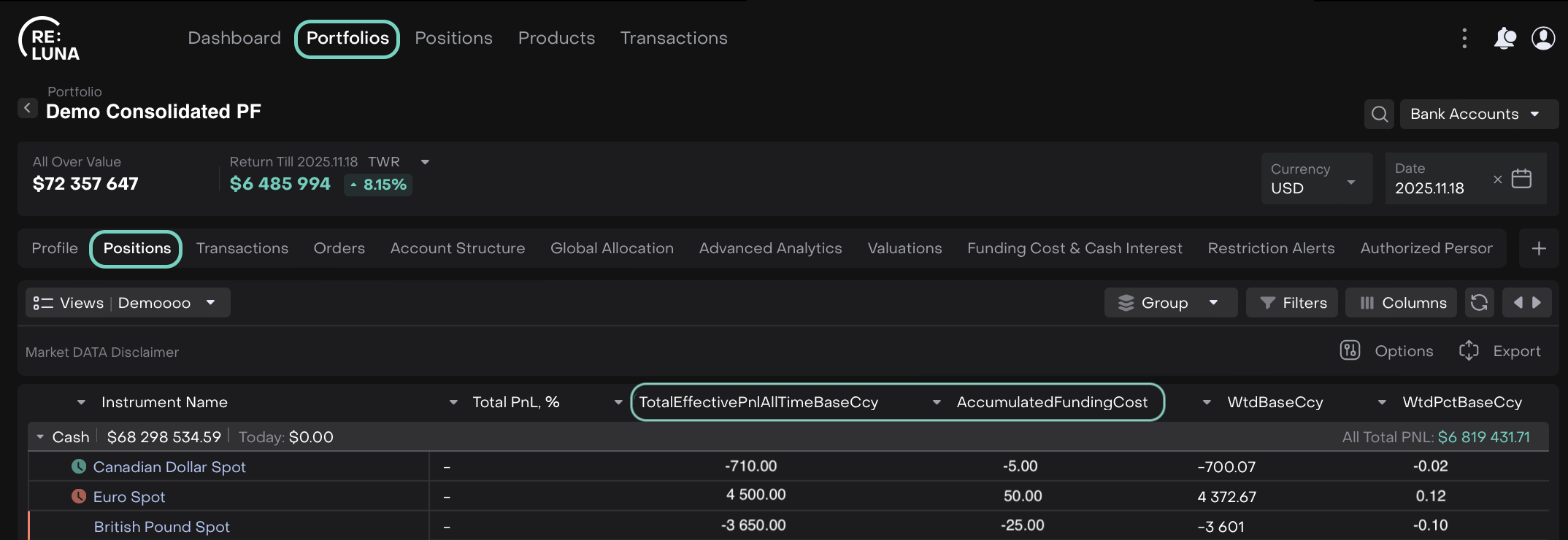
Now, set your funding-related inputs and instantly view how they impact your daily cash activity.
The Funding Cost & Cash Interest workflow lets you:
Set currency, base rates and funding spreads at the Custodian level
Track daily and accumulated values on your Portfolios
See the impact directly in your Positions
👉 For more details, refer to the guide here.
Auto-Execution for Limit Orders ENHANCEMENT
TRADER BACK OFFICE
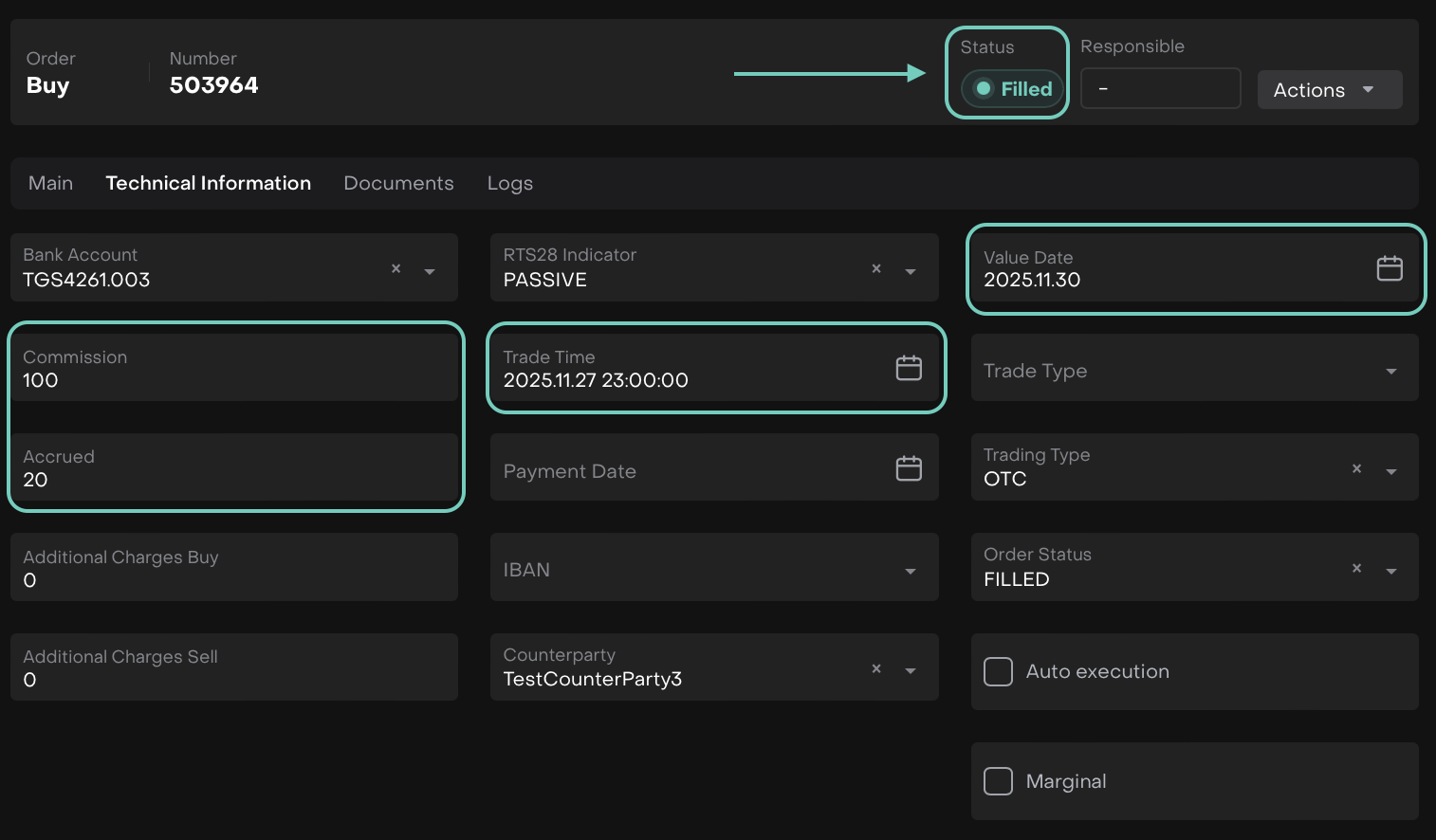
Limit orders are now auto-filled and instantly marked as Filled when “Autofill Process” is enabled. Trade Date, Value Date, Commission, Accrued are available and can be pre-filled on the order form, removing the need for manual execution.
If not pre-filled, only Trade Date and Value Date default to creation date/time; other fields remain empty when executed.
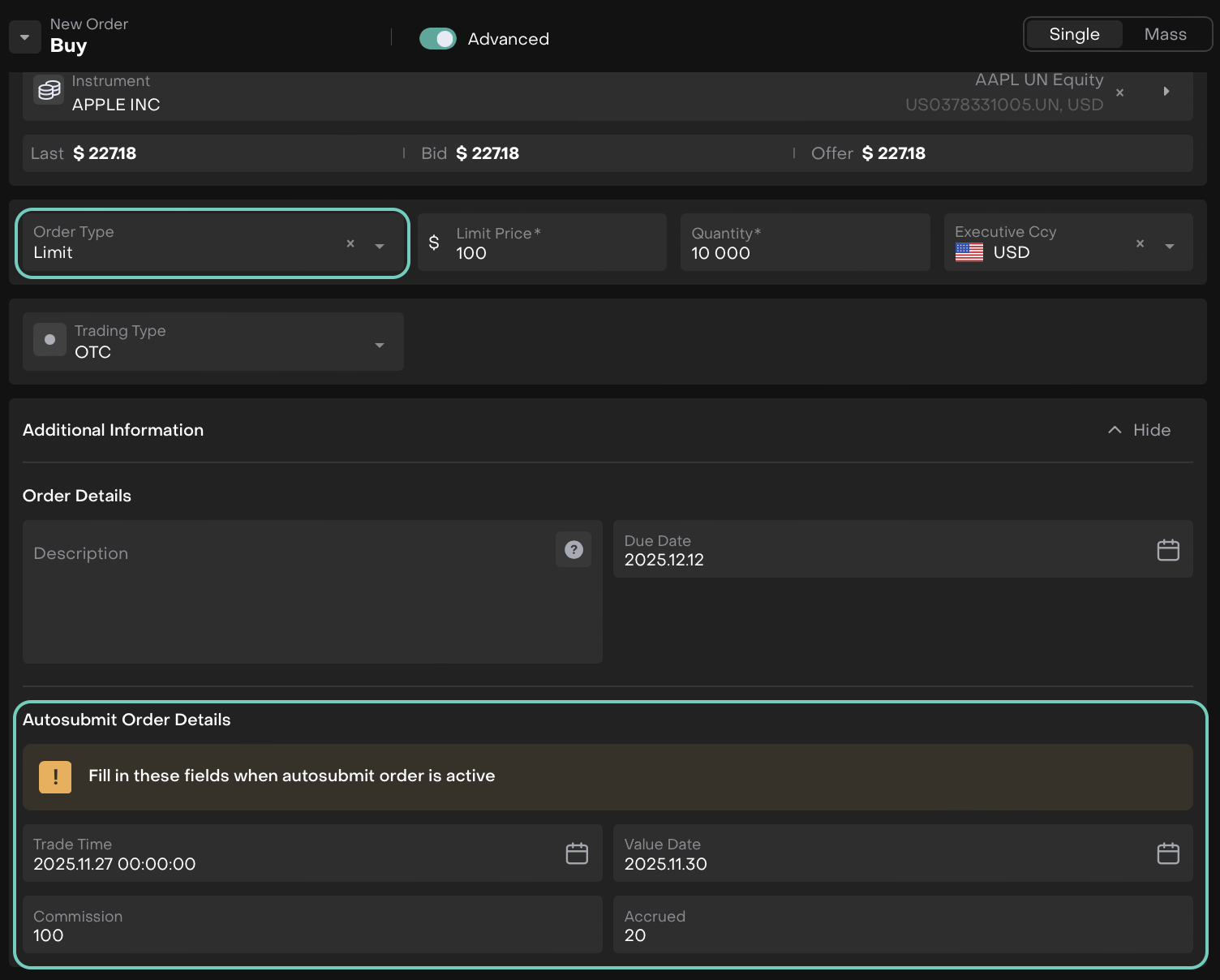
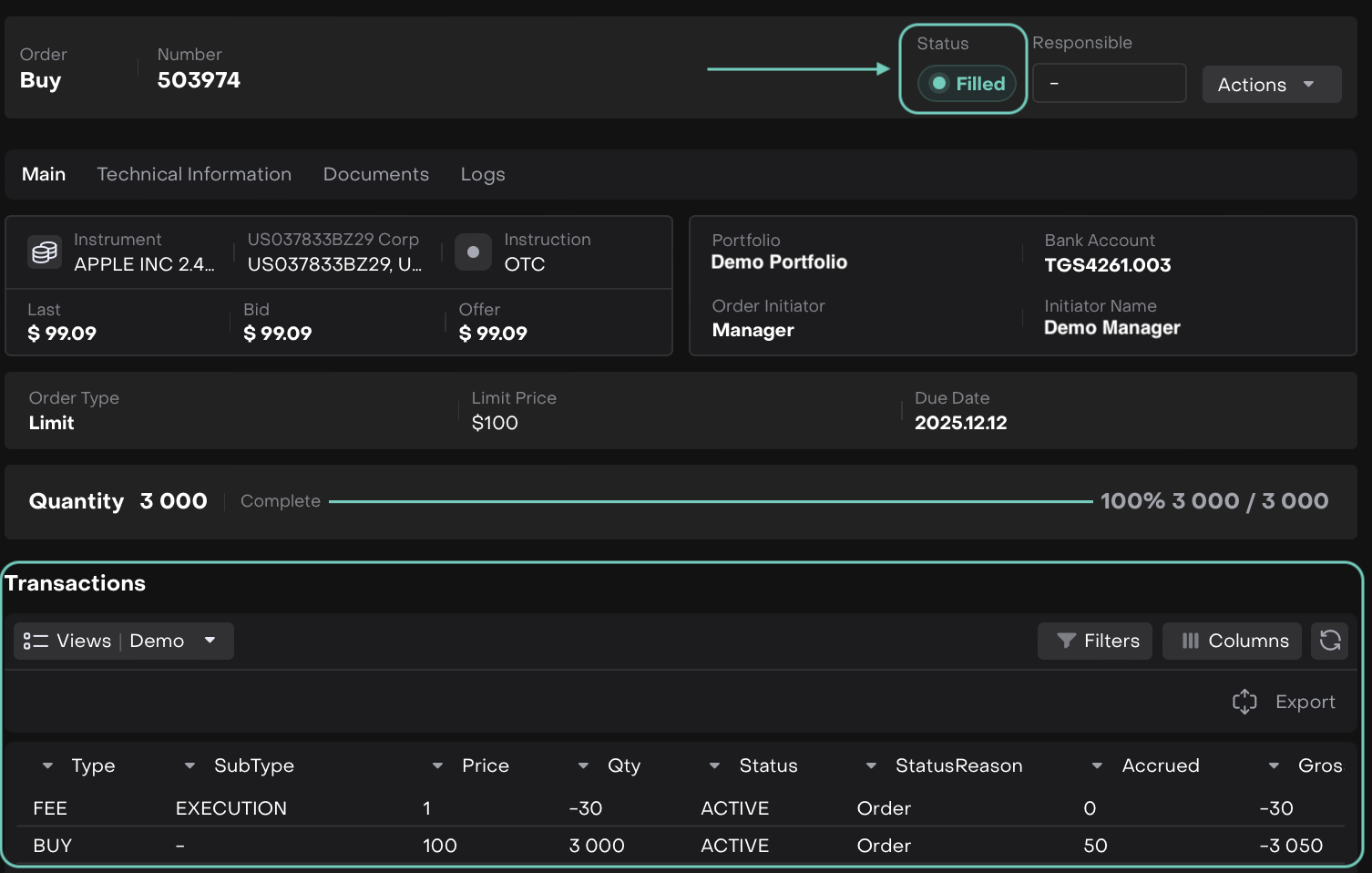
After you create order, the order auto-executes immediately, skipping the Ready and In Progress statuses and moving straight to Filled.
And, as a result you will see Transactions in Status = Active & Status Reason = Order.

These fields are available for both OMNI and Standard order forms.
Update Brokerage Fee Handling BUG FIX
MANAGER BACK OFFICE
Adjustment fee now links to the brokerage transaction instead of the adjustment order.
Adjustment orders now contain only one transaction when creating an adjustment fee with “Brokerage Markup Adjustment”.
Criteria on mandate fees can now be deleted successfully.
Commission now displays correctly in mass orders, in addition to single orders.
See Email for OTP Requests BUG FIX
MANAGER
When you request an OTP, you’ll see your client’s email address instead of their login. This makes it easier for you to confirm you’re sending the OTP to the right place.
No More Duplicate Managers in Leads BUG FIX
SALES MANAGER
Now, add each manager only once when creating a Lead, preventing duplicates.
Other minor bugs and fixes have also been resolved to ensure a smoother experience.
This release highlights the key updates and features in Reluna v4.26. For more details, check the platform or Contact Support. We hope you enjoy the new features!
